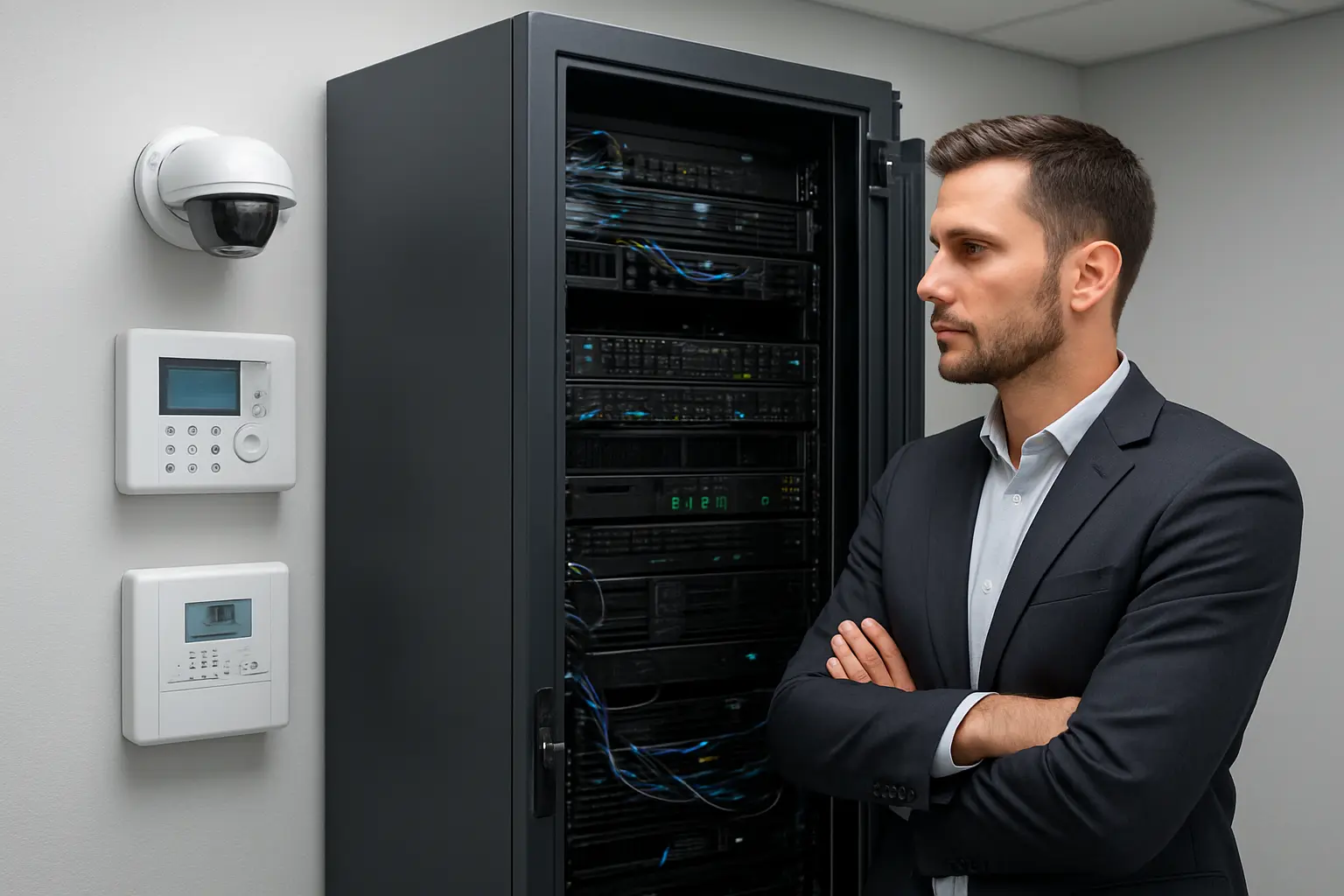
Secure server rooms and network closets are essential for Toronto businesses that host on‑site servers, NVRs, switches or colocation equipment. Effective server room security reduces risk from theft, accidental downtime and cyber‑physical attacks while helping meet insurance and operational expectations for the GTA. This guide outlines practical controls and vendor considerations specific to server room security Toronto decision makers should evaluate before procuring systems or hiring a vendor.
Typical risks to on‑site IT spaces
On‑site IT spaces face overlapping threats: physical theft of servers and drives, tampering with networking gear, environmental failures (overheating, humidity, water ingress), power interruptions, and lateral cyber access through unmanaged devices. Small server rooms and IT closets are often overlooked in multi‑tenant buildings or leased spaces, increasing exposure from contractors, cleaners or other tenants.
Toronto and GTA considerations
In the Greater Toronto Area you should factor in building access policies, landlord restrictions, and insurance requirements. Multi‑tenant buildings often require coordination with property management for wiring routes, conduit access and alarm integration. Confirm whether your chosen systems need landlord sign‑off for door hardware, cabling, or cameras looking at shared corridors.
Physical access controls for server rooms
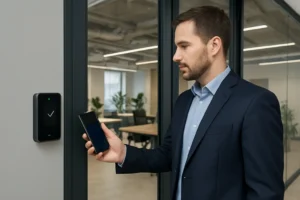
Access control is the first line of defence. Options to consider include proximity card readers, mobile credentialing, biometric readers for high‑security areas, and mantraps for sensitive rooms. Pair readers with centralized access logs and time‑bound permissions so contractor access is temporary and auditable. Implement a key‑management policy: no permanent shared keys, clarified ownership for master keys, and documented procedures for lost credentials.
CCTV & NVR strategy for server rooms
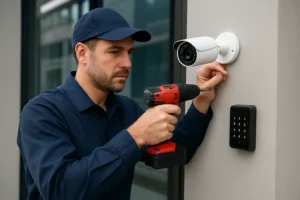
Camera selection should match the space: small pan/tilt/zoom or wide‑angle fixed cameras for closets versus higher resolution cameras for larger server rooms. Place cameras to cover entry points, rack rows, cable pathways and the NVR, while avoiding cameras that capture sensitive screens unnecessarily. Configure retention based on business needs and storage capabilities; many SMBs use 30–90 days depending on incident response plans. Protect your video systems by isolating NVRs on a secure network segment and applying strong admin controls.
Environmental monitoring and alarms
Environmental sensors are inexpensive risk reducers. Typical deployments include temperature and humidity sensors, water/leak detection at floor level and under raised floors, and door position switches. Choose sensors that support local alarm outputs plus remote alerting via email, SMS or SNMP traps. For IT closets in the GTA, enable escalation rules so on‑call staff and building facilities both receive critical alerts.
Power continuity and protection
UPS systems protect against short outages and provide time for graceful shutdowns. For rack deployments, size UPS based on combined power draw and required runtime; include automation for graceful shutdown of critical hosts when runtime is exceeded. Consider redundant UPS or generator interfaces for higher availability and integrate power monitoring into your NMS or BMS for visibility.
Network and cyber‑physical separation
Isolate server room devices using dedicated VLANs, strict firewall rules and management‑only access. Restrict on‑board device services, change default passwords, and use secure remote access tools (VPN with multi‑factor authentication or jump hosts) for maintenance. Treat CCTV NVRs and environmental controllers as part of your attack surface and apply the same patching and access policies as servers.
Operational controls and maintenance
Operational processes reduce human risk: maintain visitor logs, require escorted access for contractors, use time‑bound electronic credentials, and document onboarding/offboarding for engineers. Schedule periodic audits of physical locks, camera coverage and sensor health. Routine testing of alarms and UPS failover is critical—record test results and corrective actions.
Vendor selection checklist for Toronto projects
- Local installation and support within the GTA
- Proven integration between access control, CCTV/NVR and environmental monitoring
- Maintenance SLAs and remote monitoring options
- Experience coordinating with building management and landlords
- Ability to document procedures and provide handover materials
Quick server room security checklist for Toronto SMBs
- Install controlled access with time‑bound credentials
- Place cameras to cover entries and critical equipment; isolate NVRs
- Deploy temperature, humidity and water sensors with remote alerts
- Fit appropriately sized UPS and automate graceful shutdowns
- Segment management networks and enforce secure remote access
- Maintain visitor logs and contractor access workflows
- Schedule regular inspections, alarm tests and firmware updates
Why choose 360 IT Advanced Security
360 IT Advanced Security supports Toronto and the GTA with integrated physical and cyber‑physical solutions tailored to server room security Toronto clients need. We design and install access control, CCTV/NVR, environmental monitoring and power continuity systems that work together and integrate with existing networks. Our approach focuses on operationally practical deployments—clear procedures, documented handovers and local support for maintenance and incident response.
Securing your server room protects data, uptime and business continuity. Contact 360 IT Advanced Security to schedule a site assessment or request a quote.
Conclusion: A layered approach—combining access control, cameras, environmental sensors, UPS and network separation—delivers practical, cost‑effective protection for on‑site infrastructure. Start with a site assessment to identify the highest‑risk gaps and prioritize fixes that reduce both downtime and exposure.