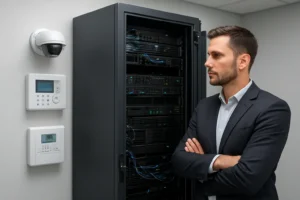
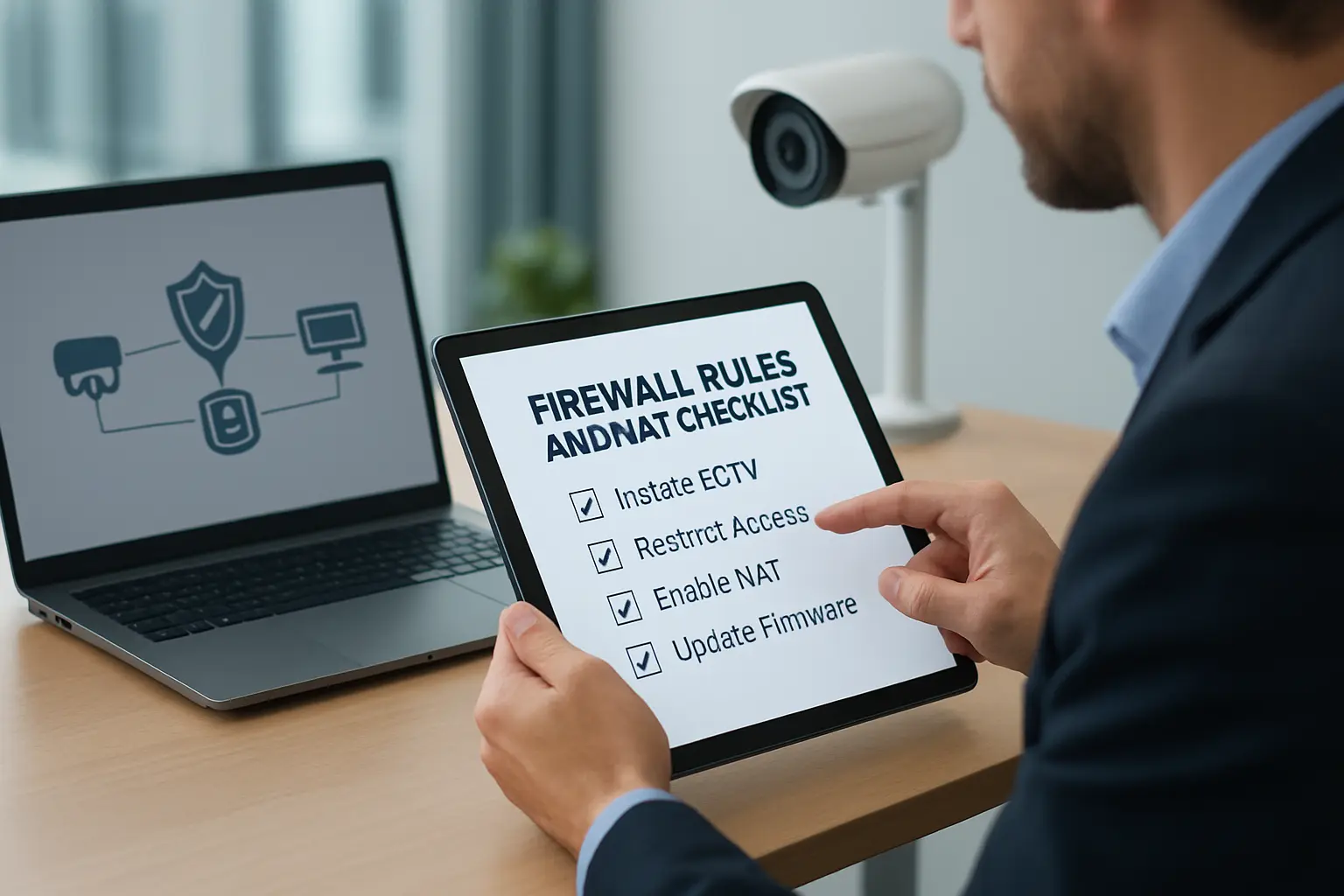
Proper firewall rules and NAT settings are essential for protecting CCTV, NVRs and electronic access control in Toronto businesses. Misconfigured port forwarding or permissive VLANs are a frequent cause of camera compromise and availability issues. This checklist provides practical, Toronto‑focused guidance facility managers and IT/security teams can use to reduce risk while maintaining the remote monitoring and management they need.
Typical network architectures for CCTV and access control
Deployments vary by site. Common patterns include:
- Small office: single site, on‑prem NVR, cameras and access controllers on a dedicated security VLAN behind a single firewall/router.
- Multi‑site: branch NVRs with central monitoring; sites connected via site‑to‑site VPN or central cloud gateway.
- Multi‑tenant buildings: shared infrastructure with per‑tenant segmentation and strict access controls.
Small office: Internet --- Firewall --- Security VLAN (NVR, Cameras, Controllers)
Multi‑site: Site A --- VPN --- Core Network --- VPN --- Site B
Multi‑tenant: Internet --- Per‑tenant DMZs --- Tenant VLANs (isolated)
Principles to follow before editing firewall rules
- Isolate cameras and controllers on a dedicated security VLAN and separate IP subnet.
- Assume deny: use default deny for inbound and lateral traffic unless explicitly required.
- Use VPNs for remote access instead of direct port forwarding where possible.
- Document every device IP, MAC, service, port and owner before making changes.
- Plan a rollback and backup firewall configuration before applying rules.
Inbound rules: avoid port forwarding when possible
Port forwarding exposes devices to broad internet scanning. Safe alternatives are:
- Site‑to‑site or client VPNs for remote technicians and monitoring stations.
- Reverse proxy or secure jump hosts placed in a hardened DMZ.
- Cloud gateway services provided by the camera/NVR vendor.
If port forwarding is unavoidable, restrict source addresses to known public IPs, use non‑standard external ports and combine with IDS/IPS and strong device credentials.
Recommended inbound/outbound rule checklist for the security VLAN
- Block all inbound traffic to the security VLAN from the internet by default.
- Allow management access only from specific management workstations or VPN subnets.
- Permit outbound connections from the NVR to vendor update servers and monitoring services only on required ports.
- Allow RTSP/HTTPS only to known monitoring hosts; avoid broad allow rules for ports like 554/80/443.
- Deny lateral network access from the security VLAN to sensitive corporate subnets unless required and logged.
NAT / port forwarding guidance
NAT introduces extra risk. Use these safe patterns if remote access requires NAT:
- One‑to‑one static NAT for an NVR rather than multiple port forwards to many cameras.
- Limit incoming NAT ACLs to specific public IPs or ranges (e.g., central monitoring station).
- Change external ports from defaults and record mappings precisely.
- Prefer a reverse proxy or VPN to expose a single hardened access point instead of direct device NAT.
Service‑specific examples (conceptual)
NVR viewing
Allow HTTPS (web UI) and streaming ports from the monitoring station subnet to the NVR. Block all other inbound ports. Consider using the NVR vendor cloud service to avoid opening ports.
Remote monitoring station
Use site‑to‑site VPN or client VPN. Only allow monitoring station IPs to reach camera/NVR management ports and streaming ports.
Access controller management
Management should be restricted to an admin VLAN or via a management jump host on the DMZ; never expose controllers directly to the internet.
QoS and PoE considerations
Video requires predictable bandwidth. Ensure QoS prioritizes RTSP/ONVIF streams and NVR traffic on the trunk to avoid congestion. Coordinate PoE switch capacity with camera power draw, but keep PoE configuration separate from firewall controls—firewall changes do not replace correct PoE provisioning.
Logging, alerting and retention
Log denied inbound attempts, successful remote admin logins, and NAT translations. Configure alerts for repeated login failures and unexpected outbound connections from security devices. Retain logs long enough to investigate incidents—commonly 30–90 days depending on operational needs and compliance.
Testing and validation checklist
- Verify cameras and NVR access from inside the management subnet.
- Confirm remote access via VPN only and test failover procedures.
- Run targeted port scans from an external host to ensure no unintended ports are open.
- Perform a scheduled penetration test or vendor review to validate rules and segmentation.
Operational best practices
Schedule regular reviews of firewall rules, enforce firmware/patching cadence for cameras, NVRs and firewalls, and maintain versioned backups of firewall configurations. Document changes and require change approvals for inbound/NAT rules.
Toronto/GTA compliance and privacy notes
Commercial organizations in Ontario must consider privacy obligations (federal PIPEDA and applicable provincial rules) when recording or storing video. Limit access to footage, document retention periods, and involve legal or HR when access policies affect employees or tenants.
When to call a managed firewall/network security provider
If you need help designing secure firewall rules for security cameras, trusted managed firewall services can perform a configuration review, implement VPN-based remote access, harden NVR integrations and maintain monitoring and alerts. Have your device inventory, vendor port lists and desired remote access IPs ready to speed the engagement.
360 IT Advanced Security supports Toronto and GTA businesses with managed firewall, NVR installation and CCTV/network security services. Contact 360 IT Advanced Security to schedule a configuration review.
Service benefits: reduced attack surface, predictable remote access, retained investigative logs, and improved reliability for monitoring and physical security operations.
Conclusion: Apply segmentation, default deny policies, VPNs over port forwarding, and strict NAT ACLs. Regular testing, logging and operational discipline will keep CCTV and access control systems resilient and compliant for Toronto facilities.