Choosing the right commercial access control system requires evaluating facility layout, user numbers, security requirements, and management options. A well-planned setup protects company property, regulates entry, and keeps staff secure without interrupting daily work.
Assessment of Facility Requirements
Every workplace has unique physical boundaries and security concerns. A warehouse requires different entry points than a medical office or retail store. Walk through the building to locate all external doors, internal partitions, server rooms, and storage spaces.
Note which areas need strict permission and which areas need open customer flow. High-traffic doors may need rapid unlock mechanisms. Sensitive archives might demand multi-factor credentials. Mapping out the building provides a clear blueprint for equipment placement.
Types of Access Credentials and Hardware
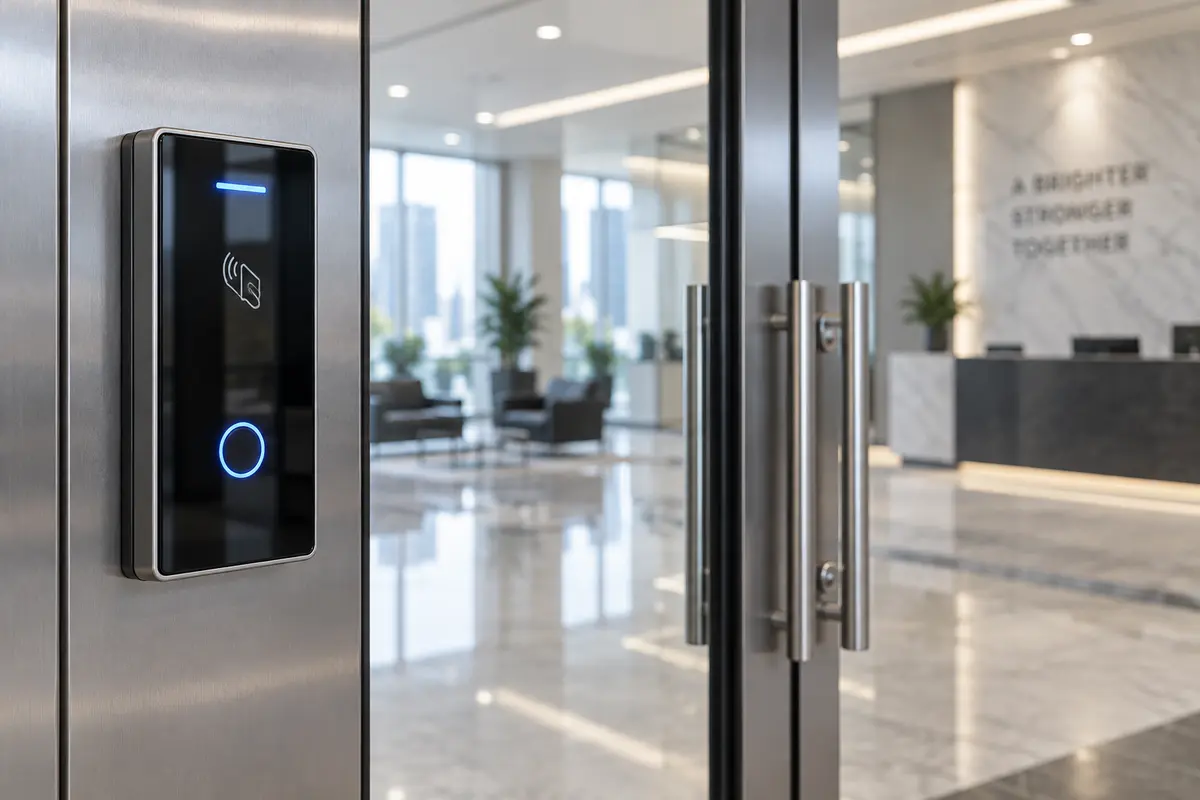
Facilities use different tools to verify identity at secure doors. Common options include keypads, plastic cards, mobile phone signals, and biometric readers. Keypads work well for shared utility rooms but offer poor individual accountability.
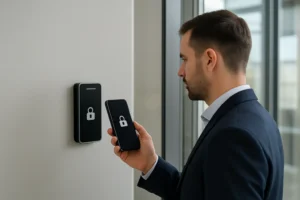
Cards and badges provide easy tracking for large groups. Mobile credentials allow employees to use their phones for entry, reducing lost badge issues. Biometric readers grant maximum security for high-risk zones. Many organizations combine several credential types across different doors.
Management of a Commercial Access Control System
Software controls how administrators grant or revoke access privileges across the entire building. Local software operates on physical computer equipment placed inside the facility. Cloud platforms allow remote access from standard web browsers.
Local systems provide full internal control over network traffic. Cloud systems allow managers to update permissions from any location instantly. Consider how frequently employee roles change. Fast updates prevent former staff members from retaining door privileges after departure.
Integration and Future Expansion
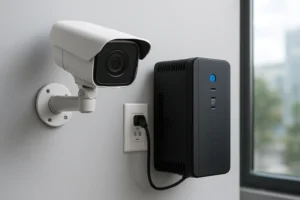
A strong security plan connects entry doors with other building safety equipment. Security cameras can record video clips each time a badge reader activates. Alarm sensors can trigger lockdowns during emergencies.
Choose hardware that works with standard communication protocols. Open standards prevent reliance on a single equipment source. Ensure the setup allows adding extra doors as the organization grows over time.
Frequently asked questions
What is the primary purpose of an electronic access system?
An electronic access system regulates who enters specific areas and records entry times to keep buildings secure.
How do keycards compare to mobile phone credentials?
Keycards are cheap and simple to issue, while mobile credentials reduce plastic waste and cannot be easily shared between employees.
Can an access setup operate during a power outage?
Most installations include battery backup power to keep critical doors operational and safe during temporary power failures.
What happens when an employee loses their access card?
Administrators can deactivate the lost card instantly in the management software, rendering it useless for future entry.
Summary
Selecting a commercial access setup involves auditing facility layout, picking suitable credentials, and deciding between local or cloud software. Quality systems protect staff, secure assets, and scale alongside expanding operational demands.