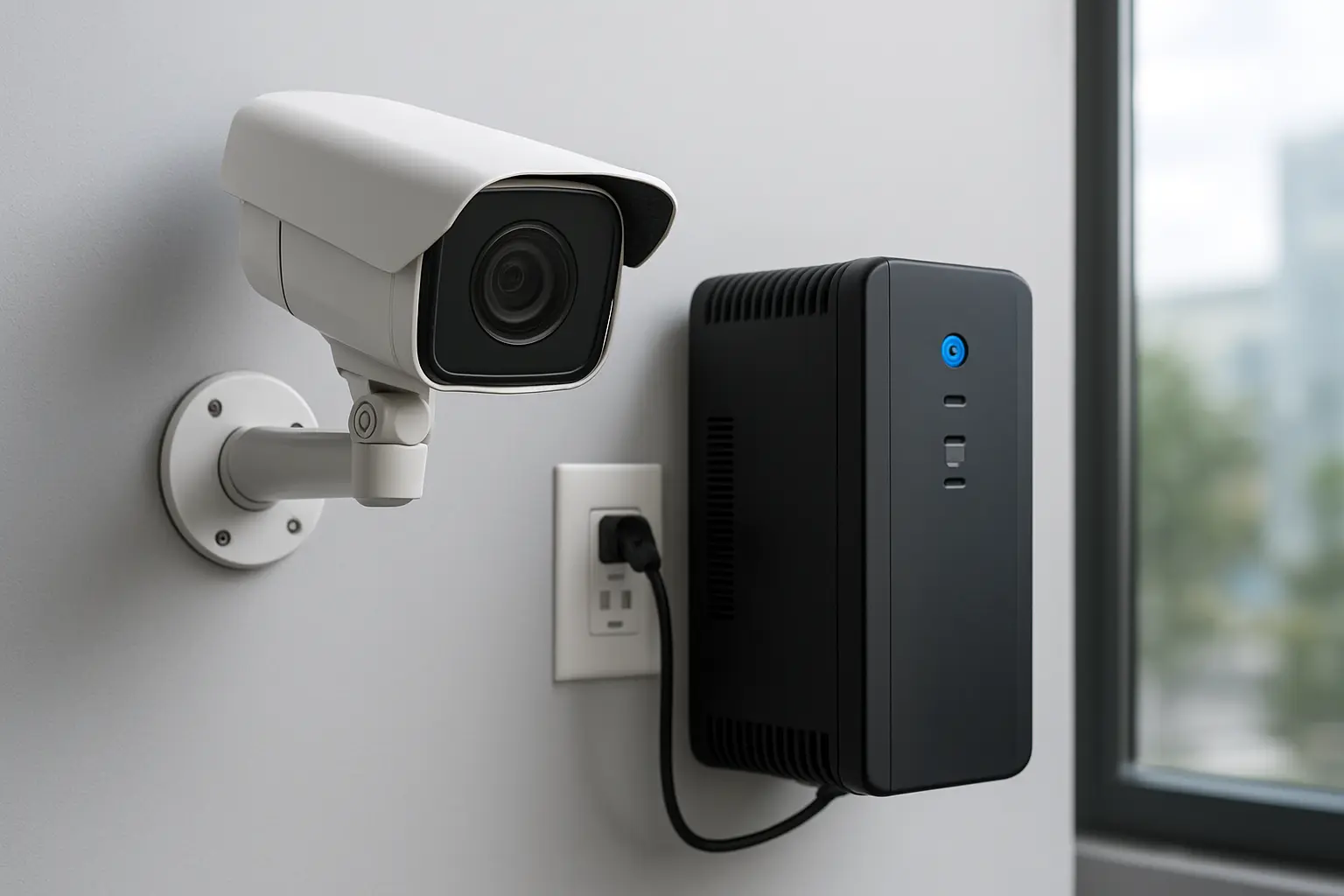
Commercial surveillance depends on continuous power. For facility managers, property managers and IT/security teams across Toronto and the GTA, a brief outage can interrupt evidence capture, disable remote monitoring and create liability or operational gaps. This guide explains practical backup power options for CCTV and NVR systems—UPS, PoE battery devices, battery-backed PoE switches, local DC batteries and generator/ATS integration—and shows how to plan, size and deploy solutions that work in Toronto’s climate.
Why backup power matters for commercial CCTV and NVR systems
When power fails you risk lost footage, incomplete incident timelines and blind spots during emergencies. Designed for informational planning and procurement, the guidance below helps you choose the right security camera backup power Toronto solution so surveillance remains reliable through short outages and during extended building electrical events.
Common causes of power interruptions in Toronto/GTA commercial buildings
- Utility outages from storms, transformer or grid work.
- Local building electrical faults, maintenance shutdowns or tripped panels.
- Scheduled or unscheduled generator testing without proper ATS configuration.
- Equipment failures or UPS exhaustion when not sized or maintained correctly.
Backup power options for CCTV and NVRs
Options vary by runtime, complexity and budget:
- UPS for NVR Toronto – Line-interactive or online UPS units protect NVRs, PoE switches and network gear. They provide short-term runtime and support graceful shutdowns.
- PoE battery (midspan) devices – Single-purpose battery midspans power cameras directly at the edge when switches lack battery backup.
- Battery-backed PoE switches – Integrated switches with internal batteries simplify wiring and centralize PoE backup for multiple cameras.
- Local DC battery solutions – For DC camera systems or specialized sites, centralized DC banks with inverters can extend run time.
- Generator and ATS integration – For long-duration outages, coordinate building generators and automatic transfer switches to restore full power; UPS units bridge the transfer interval.
How to plan: inventory, load and runtime sizing
Follow this step-by-step method to size backup power:
- Inventory devices: list each camera (model and wattage), NVR power draw, PoE switch and ancillary network devices.
- Calculate continuous load: add device wattages; account for PoE losses and switch overhead.
- Decide required runtime (e.g., 30 minutes, 2 hours, until generator starts).
- Apply UPS derating and battery temperature factors—batteries deliver less capacity in cold conditions common in Toronto.
- Select a UPS/PoE battery with required VA/W capacity and battery runtime curves; for PoE midspans, size each bank by camera power draw.
Quick sizing checklist
- List devices and wattage
- Choose runtime target
- Select UPS/PoE battery type
- Confirm physical space, ventilation and heated enclosures
- Plan shutdown scripts and monitoring
PoE power budgeting and prioritizing cameras
Understand IEEE 802.3af/at/bt classifications and your switch power budget. High-power PTZs or heaters require more capacity. If runtime is limited, prioritize critical cameras (entrances, loading bays) on battery-backed ports and keep nonessential cameras on unbacked ports or on a reduced frame rate during outages.
UPS selection and placement best practices
Consider form factor (rack vs tower), VA vs watt ratings (use watt rating for actual load), network management (SNMP, secure management interfaces) and battery hot-swappability. Place UPS units near NVRs and core switches, maintain airflow, and configure safe shutdown procedures so NVRs record and stop cleanly before battery depletion.
Installation and Toronto-specific environmental considerations
Batteries lose capacity in low temperatures—store UPS and PoE battery equipment in heated rooms or insulated enclosures with thermostats. Ensure ventilation, moisture control and maintenance access. Schedule battery testing before winter and replace ageing batteries per manufacturer recommendations.
Generator and ATS integration
Use an ATS to transfer loads to building generators for long outages. Coordinate with building engineering and landlords about wiring, permits and generator capacity. UPS units must bridge the ATS transfer window to prevent momentary surveillance loss.
Operational best practices and cybersecurity
- Implement automated shutdown scripts for NVRs and safe restart procedures.
- Enable UPS monitoring and alerts, and schedule periodic battery tests.
- Secure management interfaces for networked UPS/PoE devices and isolate surveillance power management from corporate networks using VLANs or a separate management network.
Cost factors and lifecycle considerations
Ask vendors about battery replacement schedules, runtime curves at different temperatures, service agreements for battery replacement and on-site testing frequency. Factor ongoing maintenance and the operational cost of heated enclosures when comparing options.
Deployment checklist for Toronto/GTA sites
- Site survey: device inventory, available power circuits, space for UPS/batteries and ventilation.
- Questions for installers: runtime goals, battery maintenance plan, integration with building generator and ATS, and remote monitoring capabilities.
- Testing: simulate outage, verify camera/NVR operation, confirm automated shutdown and restart, document results.
When to call a professional
Engage a security integrator or electrical engineer when you need a bespoke backup design, generator coordination, permit support or when your site has complex PoE power budgeting or cold-environment requirements.
Why choose 360 IT Advanced Security
We design and deploy backup power solutions for CCTV and NVR systems across Toronto and the GTA, balancing runtime goals, PoE budgeting and cold-weather installation best practices. We provide site surveys, UPS and PoE battery selection, generator/ATS coordination and testing so your surveillance stays up when you need it most.
Contact 360 IT Advanced Security to schedule a site survey and get a tailored security camera backup power Toronto plan.
Conclusion: Properly planned backup power—sized UPS systems, battery-backed PoE or generator integration—keeps cameras and NVRs operational during outages, preserves evidence and maintains business continuity. Use the checklist above to scope your project and involve a qualified integrator for reliable deployment in Toronto’s climate.