Correct security camera placement matters for Toronto retailers. Thoughtful CCTV positioning reduces shrinkage, improves the quality of evidence for investigations and supports insurance and safety requirements. This guide explains practical, locally relevant advice on security camera placement for retail store Toronto owners and loss-prevention managers so you can plan a site survey or prepare questions for a professional installer.
What Toronto retailers are looking for
Searchers using phrases like security camera placement for retail store Toronto or retail CCTV placement Toronto want actionable, site-specific guidance: where to mount cameras, what hardware to choose, how to balance image quality against storage, and how to remain compliant with Ontario privacy expectations. The focus is practical loss-prevention and evidence capture before engaging local installers.
Regulatory and privacy considerations in Ontario
Keep privacy in mind when designing coverage. Avoid placing cameras in washrooms and employee change areas. Be cautious about audio recording: Ontario law and best practices generally limit recording conversations without consent. Post clear signage that CCTV is in use where required and consult legal counsel for complex situations such as covert surveillance or unionized workplaces.
Common retail layouts and placement strategies
Small boutique
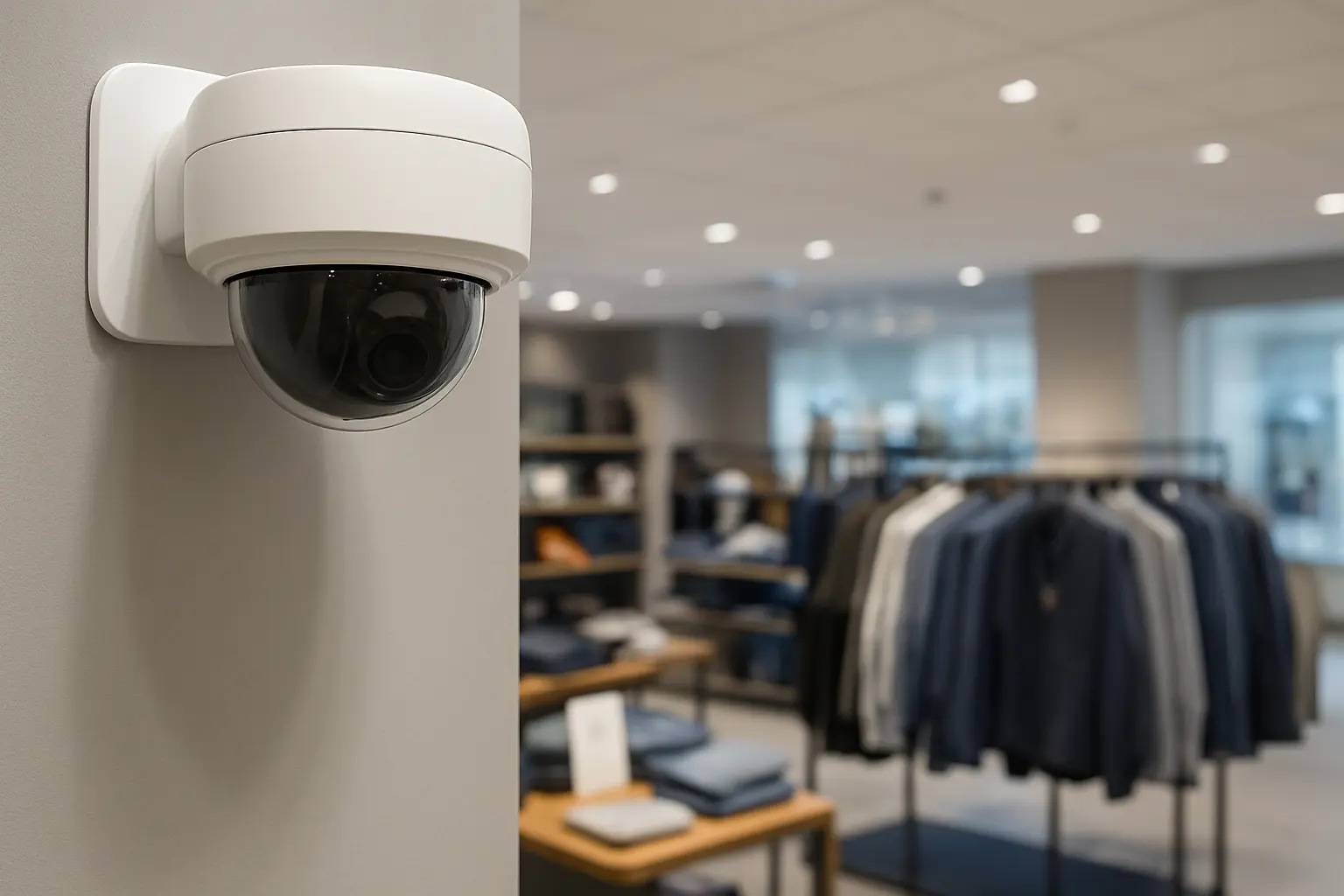
Use wide-angle dome cameras to cover the sales floor and checkout, and a small shelf-level camera for high-value displays. Mount cameras to reduce blind spots while keeping them discreet.
Convenience store
Prioritize entrances, the counter/POS area and blind corners. Combine a high-mounted entrance camera with a focused POS camera and one or two aisle cameras.
Supermarket
Use a mix of fisheye or ceiling domes for broad aisle coverage and varifocal cameras for entrances, checkouts and high-value sections (alcohol, pharmacy).
Mall storefront
Place cameras to capture faces of people entering, the storefront interior and any display cases; coordinate with mall management for corridor coverage.
Recommended camera types and where they perform best
- Dome cameras: discreet ceiling coverage in retail areas.
- Bullet cameras: focused exterior shots of loading docks and entrances.
- Varifocal cameras: adjustable field of view for aisles and displays.
- PTZ cameras: suitable for large open areas where an operator may track incidents.
- Fisheye cameras: single-camera 360-degree coverage for small footprints or ceilings.
Entrances, exits and mounting recommendations
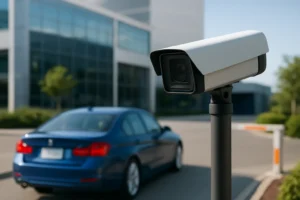
Mount entrance cameras high enough to minimize tampering while angling to capture faces. For street-facing stores that need vehicle/license capture near loading zones, combine exterior bullets with well-lit sightlines. Aim to eliminate strong backlighting at entrances with supplementary lighting or cameras that support WDR.
Checkout and POS coverage
Position a dedicated POS camera to clearly show transactions, cash drawer activity and faces. For fraud reduction and evidence integrity, integrate camera timestamps with POS logs where supported by your NVR and POS systems.
High-value merchandise and blind-spot mitigation
Protect display cases and aisle ends with shelf-level or angled varifocal cameras. Use overlap and complementary viewing angles to avoid blind spots. Place cameras out of easy reach and consider tamper-resistant housings.
Back-of-house, stockroom and loading docks
Use IR-capable cameras or low-light models for loading docks and storage rooms. Integrate with access control so camera logs correspond with lock/unlock events for chain-of-custody clarity during investigations.
Lighting, image quality and lens selection
Choose cameras with WDR where mixed lighting is present. For low-light areas, select cameras with good low-light sensitivity or IR illumination. For reflective surfaces (glass cases), use angled views to reduce glare or polarized enclosures when necessary.
Estimating camera count and coverage
Map your floor plan and divide the space into functional zones (entrance, POS, aisles, high-value, perimeter, stock). For each zone, sketch approximate camera cones to ensure overlapping coverage for identification. Add spare channels for expansion.
Network, PoE and cabling recommendations
Use PoE switches and Cat6 cabling to simplify power and data. Place the NVR near your network edge in a secure, cooled area. Use a separate VLAN for CCTV traffic and plan for adequate switch ports and PoE budget during the site survey.
NVR storage planning
Retention depends on resolution, frame rate and how long you need footage for investigations. Balance resolution versus retention: higher resolution improves identification but increases storage. Use storage calculators or work with an installer to size NVR capacity for your retention targets.
Cybersecurity and system segregation
Isolate cameras and the NVR from the corporate network, change default passwords, disable unnecessary services and use VPNs for remote access. Regular firmware updates and limited administrator access reduce risk.
Analytics and integrations
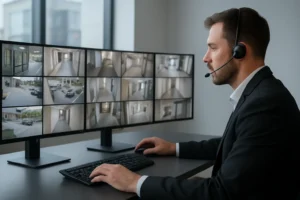
People counting, heatmaps and POS integration help focus loss-prevention. Configure alerts for after-hours motion, door forced-open events or POS mismatches to speed response.
Maintenance and testing checklist
Perform periodic camera angle checks, image-quality tests, firmware updates and test evidence exports. Maintain an incident export workflow and document chain-of-custody steps for any evidentiary footage.
When to call a professional installer
Engage a professional for a full site survey, camera selection, NVR sizing, PoE planning, VLAN configuration and compliance advice. A local installer experienced in Toronto retail environments can recommend placement that balances loss-prevention, privacy and operations.
Next steps for Toronto retailers
Quick site-survey checklist: floor plan, list of high-value areas, lighting notes, POS locations and desired retention period. Contact 360 IT Advanced Security to schedule a site survey and tailored proposal.
Call to action: Contact 360 IT Advanced Security for a site survey and camera placement plan tailored to your Toronto store.