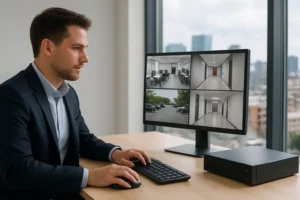
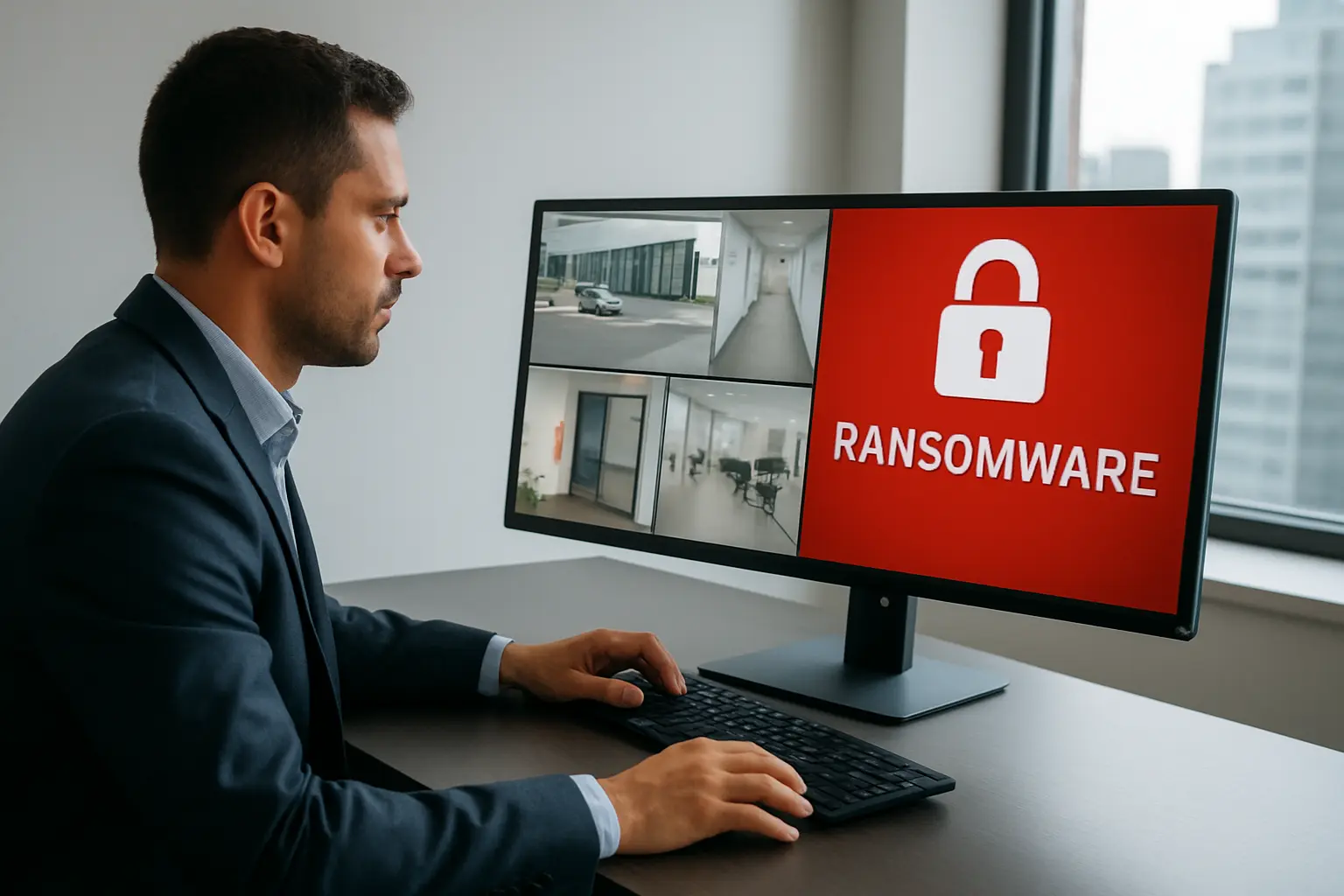
Ransomware targeting IP cameras, recorders and NVR appliances is an urgent risk for Toronto businesses. When video evidence is encrypted or cameras are tampered with, operations, investigations and liability can all be affected. This guide explains how to prevent CCTV ransomware Toronto organizations face, how attackers reach surveillance gear, and practical controls and recovery steps tailored to the Greater Toronto Area.
What CCTV/NVR ransomware looks like
Attacks range from encrypted recordings and locked management interfaces to coordinated deletion of footage. Impact can include loss of forensic evidence, blind spots during incidents, prolonged downtime while systems are rebuilt, and potential regulatory or insurer questions about preservation of data.
How attackers reach surveillance systems
- Open remote access or exposed ports (HTTP, RTSP, SSH) on public IPs
- Weak or default credentials on cameras or NVRs
- Outdated firmware with known vulnerabilities
- Compromised admin workstations used for recorder management
- Insecure contractor or vendor access in multi-tenant buildings
Toronto/GTA considerations
Multi-tenant office towers, leased retail spaces and frequent contractor turnover increase exposure. Shared network infrastructure, building-managed internet connections and onsite service vendors mean that strict segmentation, clear access contracts and documented change control are essential for secure CCTV operations across Toronto facilities.
Prevention checklist — technical controls to implement now
Network segmentation and VLANs
Place cameras and NVRs on dedicated VLANs or an isolated CCTV network. Block inter-VLAN traffic to corporate resources except through controlled gateways. Segmentation limits lateral movement if a device is compromised.
Firewall and NAT best practices
Block unnecessary inbound access at the perimeter. Avoid exposing NVR management ports directly to the internet. If remote access is required, use allowlist VPN or a secure jump host rather than port forwarding.
Secure remote access
Use site-to-site VPNs, MFA-protected administrative VPNs or managed remote access appliances. Disable remote services you don’t use and log all remote connections for review.
Device hardening
Update firmware on cameras and NVRs on a regular schedule, change default passwords, and disable unused services (Telnet, FTP). Maintain an inventory of models and versions so you can track vulnerable devices.
Endpoint protection and EDR
Install and monitor endpoint detection and response on workstations used to manage video systems. Where supported, apply lightweight EDR or host hardening on NVR appliances to detect unusual activity.
Secure PoE switch configuration
Restrict management access to PoE switches, use secure protocols, and implement port-security and logging to detect anomalous device behavior.
Vendor and installer practices
Require secure installation practices: documented configurations, change control, limited vendor accounts, and proof of firmware update procedures. Ensure contractors follow your network access policies when performing on-site work.
Backup and recovery strategies for CCTV/NVRs
Backups are mission-critical for recovery and investigations. Use a combination of local and offsite backups: export video to immutable cloud storage or air-gapped appliances, and keep rolling exports that meet retention needs for investigations. Ensure backup integrity with checksums and signed manifests for evidentiary use.
Document retention windows per site and test restore procedures regularly. A tested disaster recovery runbook for video systems should include prioritized restores, contact lists and steps to rebuild NVR configurations.
Detection and response: steps if your CCTV/NVR is compromised
- Immediate containment: isolate affected VLANs or devices, preserve volatile evidence by creating bit-for-bit images where possible.
- Notify IT, facilities and your cybersecurity partner. Engage legal/compliance and insurance contacts early.
- Perform forensic preservation before rebooting or altering devices to retain chain of custody for potential investigations.
- Coordinate with law enforcement if required; report compromises to your insurer per policy terms.
Procurement and service criteria for Toronto buyers
When evaluating integrators and MSPs ask about patch and firmware cadence, backup architecture (including offsite immutable options), SLA for restores, and continuous monitoring capabilities. Include explicit requirements for change management, documented configurations and contractor vetting in maintenance contracts.
Quick actionable checklist for Toronto facility and IT teams
- Put cameras/NVRs on a segregated VLAN.
- Block inbound access; use VPN with MFA for remote admin.
- Change all default credentials and schedule firmware updates.
- Implement EDR on admin workstations and secure PoE switch management.
- Maintain offsite immutable backups and test restores quarterly.
- Document vendor access rules and require written change control.
Service benefits and reasons to choose 360 IT Advanced Security
360 IT Advanced Security provides combined physical and cybersecurity controls that reduce ransomware exposure for CCTV and NVR systems across Toronto and the GTA. Our approach integrates network segmentation, managed firewalls, EDR for admin endpoints, secure NVR installation practices and backup/DR planning so you get coordinated protection rather than piecemeal fixes. That coordination shortens recovery times and preserves evidence needed after an incident.
Conclusion and next steps
Preventing CCTV ransomware in Toronto requires practical configuration changes, disciplined vendor management and reliable backups. Start with network isolation, secure remote access, device hardening and offsite immutable backups, and validate your plans with regular restore tests. To reduce ransomware risk across your surveillance estate, schedule a combined physical and cybersecurity assessment focused on CCTV and NVR systems.
Call to action: Contact 360 IT Advanced Security to book a CCTV cyber-risk assessment for your Toronto facility.