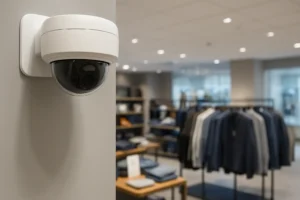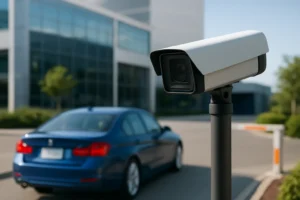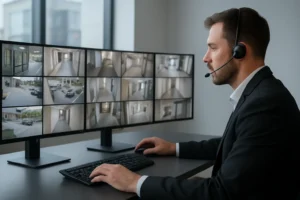
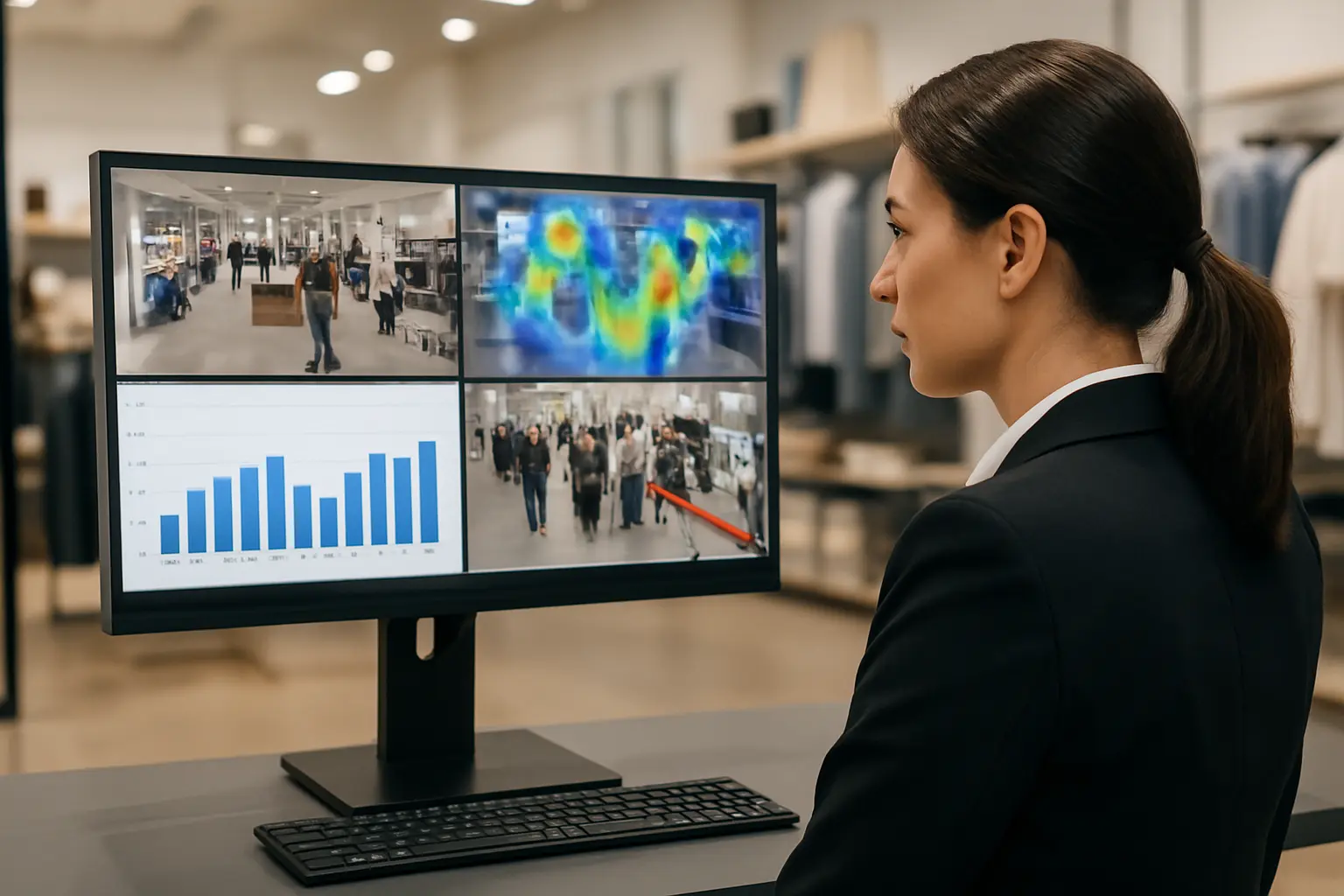
Retail video analytics Toronto is changing how stores manage loss prevention, staffing and customer experience across the Greater Toronto Area. For retail owners, loss‑prevention managers and IT/security teams, analytics add measurable operational value when integrated correctly with existing CCTV and NVR infrastructure. This guide explains common use cases, architectures, technical requirements and a practical roadmap for Toronto retailers considering analytics projects.
Common retail analytics use cases
Video analytics turns camera feeds into actionable events. Typical retail applications include:
- People counting: Accurate visitor counts and conversion metrics using people counting cameras Toronto to plan staffing and measure marketing impact.
- Queue management: Queue management camera Toronto can detect long lines and trigger staffing or express checkout to reduce wait time.
- Heat mapping and dwell time: Identify high‑traffic zones and measure how long customers linger near displays, informing merchandising layout and promotions.
- Object/loitering and shoplifting alerts: A shoplifting detection camera system Toronto flags suspicious behaviour near exits or high‑value displays for immediate review by loss prevention.
- Operational alerts: Inventory area monitoring, blocked emergency exits and cross‑store activity tracking for centralised operations teams.
Analytics architectures: edge, on‑premise and cloud
There are three common deployment patterns, each with tradeoffs:
- Edge (camera‑based) — Analytics run inside the camera. Pros: lower bandwidth, faster alerts, simpler to add to existing NVRs. Cons: limited compute for complex models and fewer tuning options.
- On‑premise server — Centralised analytics appliance in store or server room. Pros: powerful processing, local retention and easier integration with on‑site NVRs and POS. Cons: higher upfront cost and rack/space requirements.
- Cloud analytics — Video streams or events processed in the cloud. Pros: scalable, frequent model updates and centralised analytics across many stores. Cons: requires robust upload bandwidth and careful privacy planning for Toronto/GTA compliance.
Technical requirements for reliable results
To get consistent analytics performance focus on:
- Camera selection: Use suitable resolution and lens for the task—people counting often works well with wide‑angle 2–4MP cameras mounted overhead; shoplifting detection benefits from higher‑resolution views on displays and exits.
- PoE and network: Ensure reliable PoE power and segregated VLANs for camera traffic. Bandwidth planning is critical if you send video to cloud analytics.
- NVR compatibility: Confirm video analytics integration with NVR Toronto — many analytics systems export events as alarms or metadata that must be parsed and stored by the NVR.
- Storage and retention: Plan retention based on incident investigation needs and privacy policies; analytics metadata reduces the need to retain video for long periods in many cases.
Integrating analytics with existing systems
Analytics delivers more value when combined with other systems:
- POS integration to link transactions with video at checkout and flag mismatch events.
- Access control and alarm systems to correlate door events with camera analytics.
- Central monitoring workflows so loss prevention teams receive prioritized alerts and recorded clips directly in their monitoring console.
Privacy, signage and compliance for Toronto retailers
Follow practical precautions: post clear signage indicating video surveillance, configure analytics to anonymize or avoid facial recognition where not required, and document retention/ access policies. Be aware of federal and provincial privacy obligations and consult legal counsel for regulated environments. Anonymization and role‑based access control help reduce compliance risk while keeping analytics useful.
Selecting features and procurement checklist
Match features to store type with this prioritized checklist:
- Small boutique: people counting cameras Toronto, dwell‑time reports and low‑light performance.
- Supermarket: aisle‑level detection, queue management camera Toronto for checkout and POS integration.
- Mall kiosk: compact cameras with people counting and theft‑detection alerts.
Ask vendors about false‑positive rates, how the solution exports metadata to your NVR, ongoing calibration requirements and support SLAs.
Implementation roadmap for Toronto stores
Start with a small pilot in one location, calibrate detection zones and thresholds, train staff and integrate alert workflows into loss prevention and operations. Use a 30–90 day evaluation period to optimize camera placement and refine rules before wider rollout across the GTA.
Measuring success and next steps
Track KPIs such as shrinkage reduction, conversion rate, average queue time and incident response time. Analytics outputs should feed regular loss‑prevention and operations reviews to turn data into policy and staffing changes.
Why work with 360 IT Advanced Security
360 IT Advanced Security provides CCTV and NVR installation, analytics integration and local support across Toronto and the GTA. We design camera layouts for effective people counting, queue management and shoplifting detection camera system Toronto deployments and ensure video analytics integration with NVR Toronto for seamless event recording and review.
Ready to evaluate analytics for your store? Contact 360 IT Advanced Security to schedule a pilot or consultation.
Conclusion: Retail video analytics offers clear operational and loss‑prevention benefits when deployed with the right architecture, camera selection and privacy safeguards. For Toronto retailers, partnering with an experienced installer reduces integration risk and accelerates the time to measurable results.