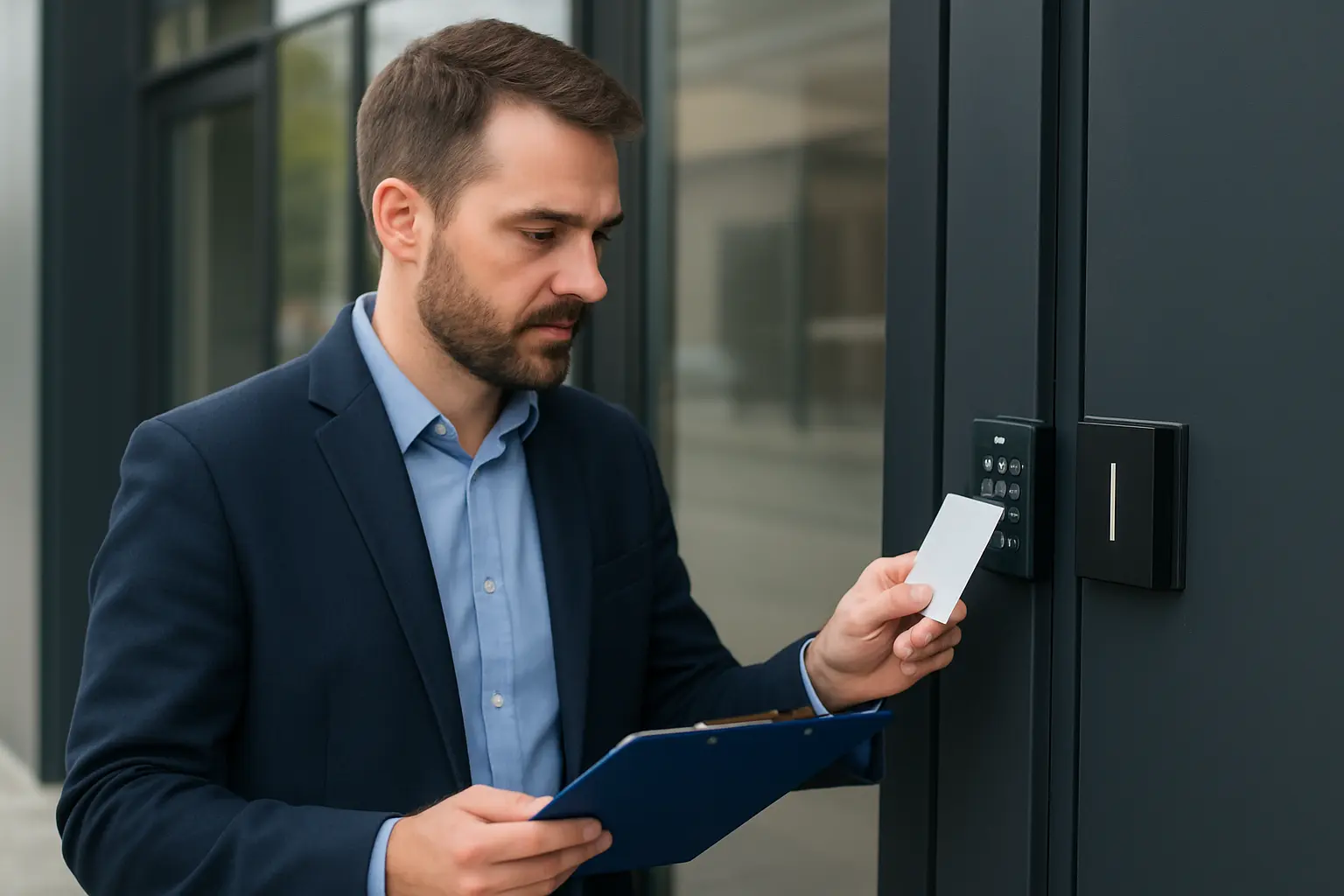
Regular access control maintenance keeps doors operating, tenants safe, and compliance risks low. This access control maintenance Toronto checklist is written for facility managers, property managers and IT/security teams across the GTA who need a practical, actionable schedule for commercial door systems, card readers and biometric devices.
Who should use this checklist
This guide is intended for facility and property managers, building owners, security managers and IT personnel responsible for commercial access control in multi-tenant buildings, offices, retail spaces and light industrial properties across Toronto and the Greater Toronto Area.
Maintenance frequency overview
| Frequency | Key tasks |
|---|---|
| Daily/Weekly | Entry monitoring, event log spot checks, power/network connectivity |
| Monthly | Credential cleanup, battery checks, hardware visual inspection |
| Quarterly | Firmware review and patch coordination, backups |
| Annual | Full system audit, access entitlement review, biometric calibration |
Daily and weekly checks
- Monitor entry points and alarm status for unusual activity or repeated failures.
- Perform spot checks of event logs to confirm expected behavior and note unusual lock/unlock attempts.
- Verify power supplies, UPS status and PoE switches; confirm network connectivity for controllers and readers.
- Check that emergency exit hardware and push bars are unobstructed and functioning.
Monthly tasks
- Clean up card/fob database: remove expired credentials and orphaned accounts to reduce attack surface for door access system maintenance Toronto.
- Inspect door hardware visually — hinges, strikes, closers — and tighten or flag repairs.
- Check battery levels for wireless locks, readers and wireless controllers; replace batteries before low-voltage faults occur.
- Confirm time synchronization across controllers and access servers to ensure accurate logging.
Quarterly tasks
- Review and apply access control firmware updates after verifying vendor compatibility; schedule updates with IT to minimize disruption.
- Coordinate patching of related systems (servers, NVRs, network switches) and confirm integration compatibility.
- Backup access control configurations and databases; store encrypted copies offsite or in a secure cloud repository.
Annual tasks
- Conduct a full system audit: verify that all readers, controllers and locks are online and correctly mapped.
- Perform an access level review and entitlement cleanup to ensure users have appropriate privileges.
- Inspect and, where appropriate, service physical locks and strikes; realign doors that show excessive wear.
- Calibrate biometric readers and run quality tests to ensure reliability in different lighting and seasonal conditions.
Cybersecurity and network maintenance for access control
Protecting access control requires both physical and network security. Use network segmentation to isolate controllers from general office traffic, enforce strong admin passwords and multi-factor authentication where supported, and maintain a documented change-management process for firmware and configuration changes. For more on hardening, refer to our guidance on securing access control systems.
Integration checks
- Verify intercoms and door release linkage respond correctly from visitors and reception.
- Confirm CCTV/NVR event linkage: camera snapshots and video indexing should trigger on access events.
- Test elevator and turnstile integration to ensure floor access and flow control remain synchronized with the access control database.
Testing and verification
- Run simulated entry and egress tests across typical user roles; document results.
- Test emergency release functions and fire-alarm interfaces with building management and local fire safety plans.
- Validate logging, alerts and notification routing so that failures generate actionable tickets.
Recordkeeping and reporting
Keep detailed maintenance logs, incident reports and change records. Retain audit trails for the period required by your compliance needs in Ontario and ensure logs are backed up and protected from tampering.
Common failure signs and when to call a professional
Call a qualified access control servicing Toronto professional when you see repeated credential failures, intermittent door release issues, unexplained network drops affecting multiple readers, or a firmware update that fails or leaves devices in an inconsistent state. These are signs that on-site diagnostics and specialized tools are needed.
Local considerations for Toronto and the GTA
Account for seasonal temperature swings and winter conditions that can affect mechanical strikes and outdoor readers. Multi-tenant properties require clear credential lifecycle policies and tenant onboarding/offboarding processes. Also follow Ontario privacy and workplace laws when managing biometric data and access logs.
Why choose 360 IT Advanced Security for access control maintenance
360 IT Advanced Security provides local maintenance and servicing focused on commercial access control systems in Toronto and the GTA. Our team combines security hardware experience with IT integration knowledge to coordinate firmware updates, backups and network configurations with your IT group, minimizing downtime and preserving auditability.
Keeping your access control system healthy reduces emergency repairs, supports tenant safety and helps maintain compliance. Request a maintenance quote from 360 IT Advanced Security today.
Downloadable checklist
Use the sections above as a printed access control system checklist for routine upkeep. For help implementing any items on this list or scheduling quarterly maintenance, contact our team.