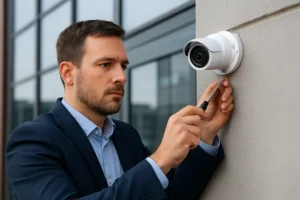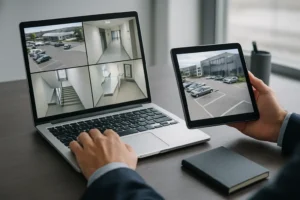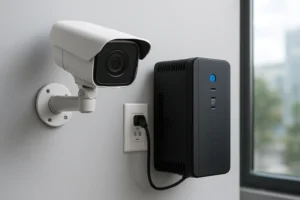
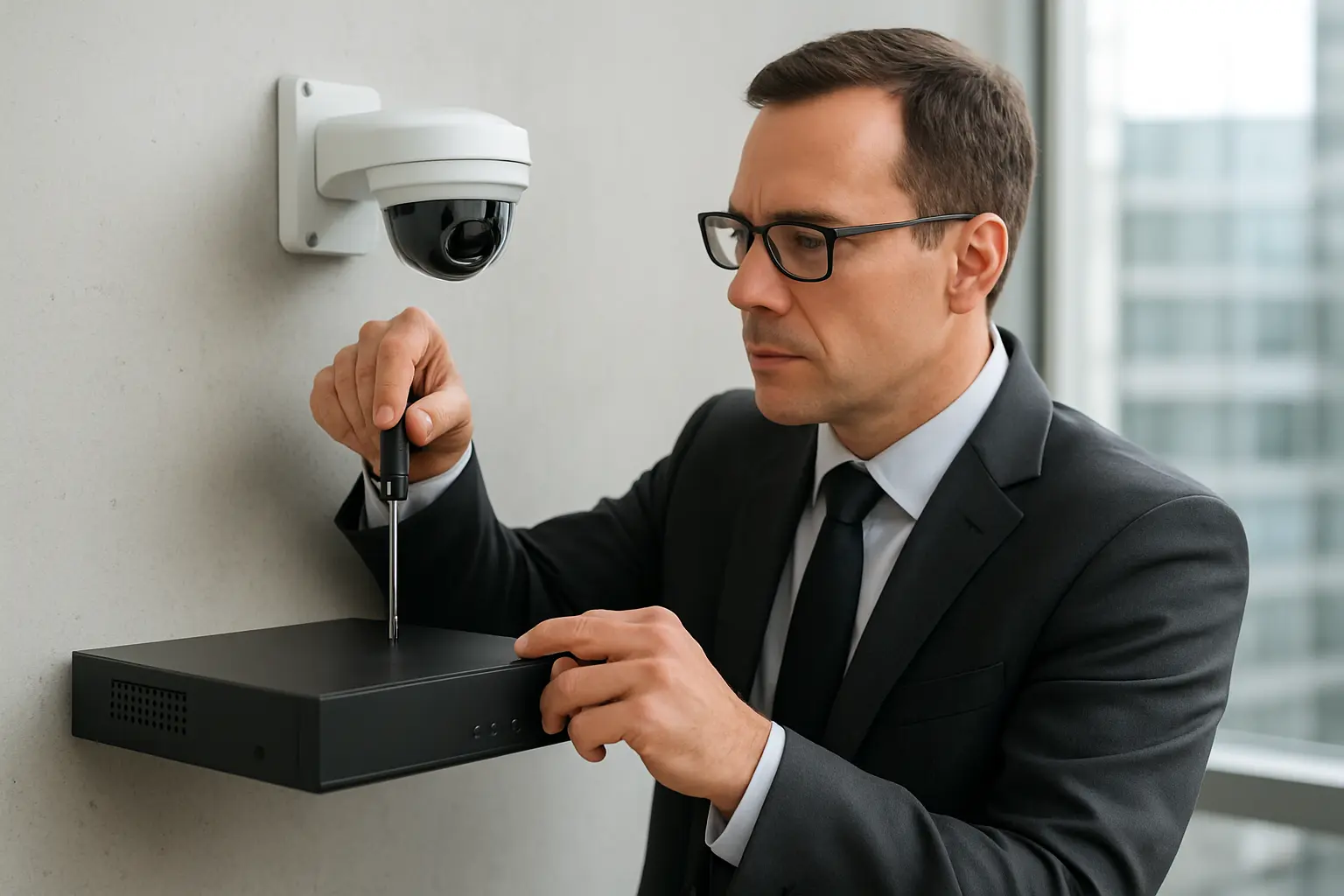
Preventative maintenance is essential for commercial CCTV and NVR systems to maintain uptime, preserve evidentiary value, reduce lifecycle costs, and limit cybersecurity exposure. For Toronto and GTA businesses, a practical, scheduled maintenance program for security camera maintenance Toronto ensures systems operate when you need them most—through seasonal weather, building changes, and evolving network risks.
Who needs a maintenance program
Facility managers, property managers, building owners, IT/security managers and operations teams across office towers, retail centres, industrial facilities, multi-tenant residential buildings and parking structures should schedule regular servicing. Any site relying on video for safety, loss prevention or regulatory compliance benefits from commercial CCTV service Toronto and coordinated NVR maintenance Toronto.
Monthly, quarterly and annual maintenance schedule — at a glance
- Monthly: Visual inspections, event/alert verification, basic storage checks.
- Quarterly: Lens cleaning, PoE switch and cable checks, firmware review, backup of configurations.
- Annual: Full NVR drive health evaluation, retention validation, camera alignment and vandal-proofing inspection, UPS and surge protection testing.
Camera hardware checklist
- Clean lenses and domes with manufacturer-recommended materials to avoid streaks and coating damage.
- Verify focus and field-of-view; adjust for changes in lighting or building alterations.
- Inspect housings and gaskets for water ingress, corrosion or damage—important after winter and spring thaws in Toronto.
- Confirm mounts and brackets are secure; check for vibration or settling that can blur images.
- Check vandal-proofing features and replace damaged covers or tamper screws.
Network and power checklist
- Check PoE switch ports and temperatures; identify intermittent connectivity.
- Inspect Ethernet and power cabling for abrasion, moisture or rodent damage; replace failing runs.
- Test surge protection devices and ensure grounding is intact.
- Exercise and test UPS units feeding NVRs and critical switches; replace batteries per vendor guidance.
NVR and storage checklist
- Run drive health checks (S.M.A.R.T. where available) and identify degraded disks early.
- Verify storage capacity and retention settings match your retention policy and regulatory needs.
- Confirm scheduled overwrite settings are functioning; check that old evidence is archived if required.
- Apply firmware updates on NVRs following a documented change control process.
Cybersecurity & configuration checklist
- Ensure firmware and patches for cameras and NVRs are current and documented.
- Rotate or confirm strong admin credentials; remove default accounts.
- Verify VLANs, network segmentation and firewall rules limit camera access to required systems.
- Back up device configurations and store them securely off-site or in encrypted storage.
- Confirm secure remote access methods (VPN, jump servers) and monitor remote login logs.
Operational checks and testing
- Test motion detection zones and alarm rules—adjust for seasonal changes in foliage and lighting.
- Confirm system time and date synchronization across cameras and NVRs for accurate timestamps.
- Perform quality checks on recorded video at different times of day and night.
- Validate event notifications and email/SMS alert routing to responsible personnel.
Documentation & reporting
Maintain a maintenance log with dates, performed tasks, replaced parts, and evidence chain-of-custody notes where applicable. Include retention schedules and any incident reports tied to camera footage. Regular reports help support audits, insurance claims and continuity planning for Toronto businesses.
Common failure indicators and when to escalate
- Intermittent video loss or frequent dropped frames.
- Repeated drive rebuilds, S.M.A.R.T. warnings or sudden capacity shortfalls.
- Unauthorized configuration changes or unexplained remote access attempts.
- Physical damage after storms, vandalism, or construction activity—call for emergency support.
How to compare maintenance plans
When evaluating commercial CCTV service Toronto, look for clear response times, included preventive tasks, testing cadence, parts replacement policies and documentation practices. Contracts should clarify what constitutes emergency vs. scheduled work, on-site response expectations, and any remote monitoring services offered.
Local considerations for Toronto & the GTA
Seasonal weather drives specific maintenance needs: winter freeze-thaw cycles affect housings and cabling, spring runoff can expose leaks, and summer heat increases equipment temperatures. Plan seasonal inspections and weatherproofing checks, and ensure any privacy compliance measures (signage, camera placement) are maintained for multi-tenant and public-facing properties.
Why choose 360 IT Advanced Security for ongoing maintenance
360 IT Advanced Security focuses on integrated CCTV, NVR and network security services tailored to Toronto and the GTA. Our maintenance approach follows a predictable schedule, documents every intervention, and coordinates with on-site teams to minimize disruption. We emphasize preventative maintenance security cameras Toronto to reduce emergency repairs and protect video evidence integrity.
Regular maintenance extends equipment life, improves incident response, and reduces total cost of ownership. For businesses that depend on reliable video coverage, a formal program is not optional—it’s operational risk management.
Contact 360 IT Advanced Security to schedule a site assessment.
Conclusion
Implementing a clear, local maintenance checklist for cameras, NVRs, power, network and cybersecurity keeps commercial video systems reliable and defensible. Whether you need routine inspections, NVR maintenance Toronto or a commercial CCTV service Toronto agreement, a documented program tailored to Toronto’s climate and operational realities will protect your property and evidence chain when it matters most.