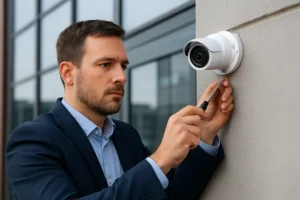
Construction sites in Toronto are frequent targets for theft, vandalism and liability claims. A purpose-built CCTV plan reduces risk, preserves evidence and supports remote oversight for supervisors and owners. This guide covers practical options for construction site security cameras Toronto and how to design temporary systems that work in the GTA climate and permit environment.
Common site threats and security goals
On-site risks include tool and material theft, equipment tampering, unauthorised access, and incidents that require clear video evidence. Security goals should be specific: deterrence, immediate incident verification, 24/7 coverage of high-value assets, and progress documentation for stakeholders. Align your camera deployment and monitoring approach to those priorities.
Camera types and features for construction sites
Choose hardware built for rough conditions and theft-resistance. Typical options include:
- Vandal-rated fixed cameras for entrances, storage yards and trailer clusters.
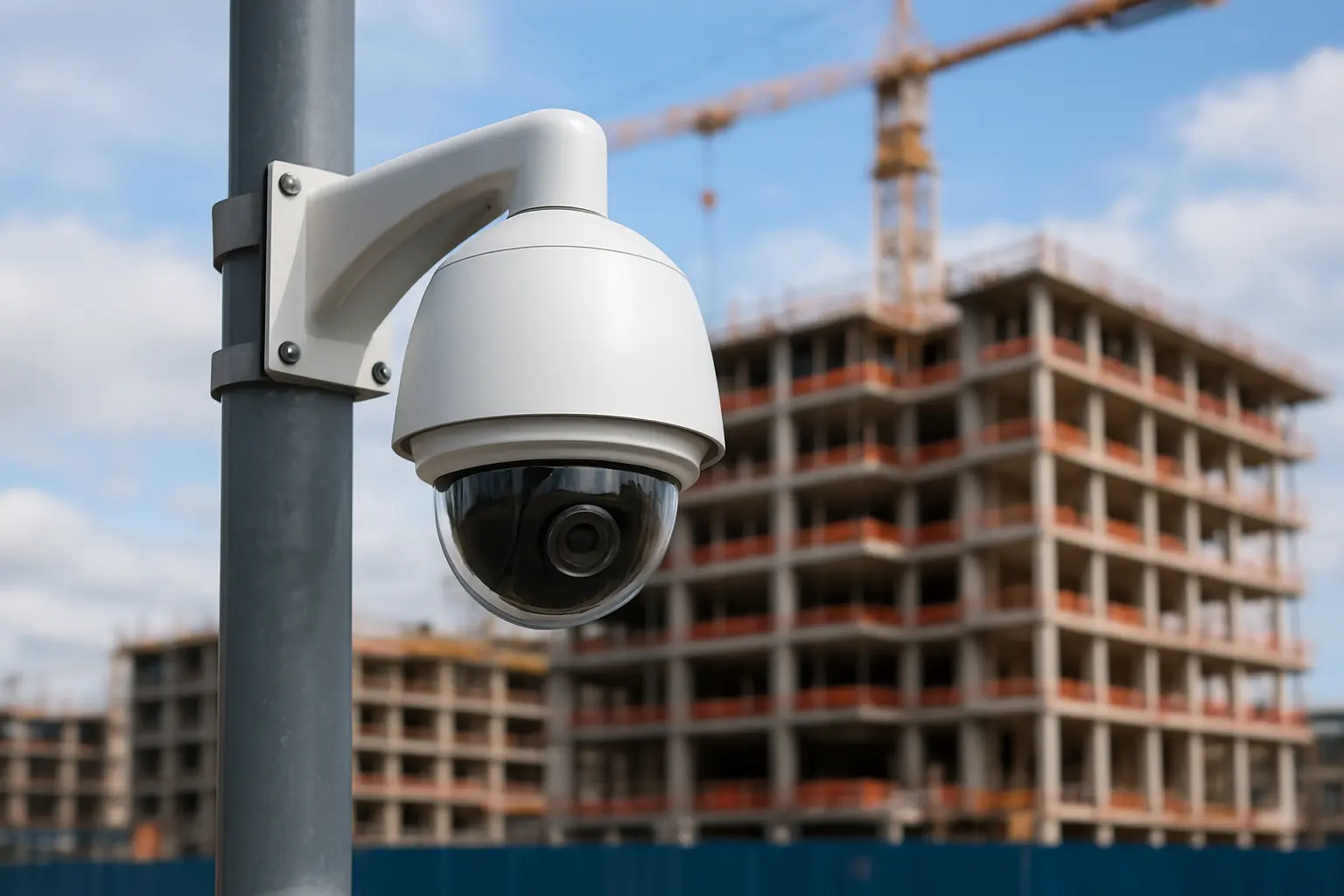
- PTZ cameras to cover large perimeters and quickly inspect suspicious activity.
- Low-light and IR-capable models to capture usable evidence during long Toronto winters and short daylight hours.
- Rugged enclosures and theft-resistant mounts to reduce tampering and cable theft.
When planning, prioritize viewing angles for hoists, material deliveries and trailer access; place cameras at elevated points where possible to limit easy access.
Temporary power and connectivity options for GTA sites
Reliable power and connectivity are essential for temporary installations. Common solutions include:
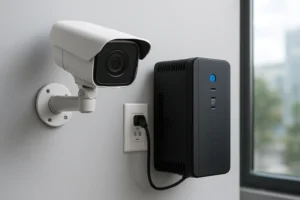
- On-site PoE with UPS to keep cameras and a portable NVR running through short outages.
- PoE battery systems for limited-duration, cable-free setups when temporary power is restricted.
- Generator-powered systems for large sites — ensure clean power to protect electronics and consider automatic transfer switches.
- Cellular (4G/5G) backup or primary links where wired internet isn’t available; use bonded connections for higher reliability.
These approaches support temporary security cameras Toronto needs without waiting for permanent site infrastructure.
NVR and storage strategies for temporary sites
Decide between on-site recording and cloud/offsite backup based on retention needs and bandwidth:
- Portable NVR construction site units are common: they collect streams locally and can retain footage if connectivity is limited.
- Cloud or offsite backup provides redundancy and easier evidence access but requires higher upstream bandwidth or selective upload schedules.
- Plan retention according to incident investigation needs—short-term projects may need 7–14 days, while theft-prone sites often retain 30+ days. Factor bandwidth caps when scheduling uploads.
Remote access, secure viewing and monitoring
Secure remote access enables supervisors and security teams to view live and recorded video without exposing systems to unnecessary risk. Best practices include:
- Use encrypted VPN or manufacturer-supported secure cloud portals rather than open ports.
- Implement role-based access for project managers, security guards and evidence handlers.
- Consider 24/7 remote video monitoring and alarm verification workflows to reduce false alarms and speed police notifications when required.
These measures support construction site video monitoring GTA teams who need reliable, auditable access to footage.
Site deployment best practices and integrations
Practical deployment tips reduce downtime and theft:
- Route cables through conduit and secure junctions; use tamperproof fasteners.
- Position signage to enhance deterrence; visible cameras plus signs reduce incidents.
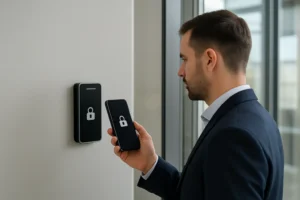
- Integrate site access control for trailers and gatehouses when possible to correlate entry logs with video.
Maintenance, seasonal checks and evidence preservation
Toronto weather demands regular inspections: clear snow from views, check batteries and generators in cold months, and verify camera heaters or enclosures for sub-zero operation. Preserve evidence by exporting and cataloguing relevant clips promptly and storing backups offsite when incidents occur.
Procurement checklist and questions to ask vendors
Before hiring an installer or renting equipment, confirm these items:
- Rental vs purchase options and minimum rental periods (site security cameras rental Toronto).
- Installation timeline, whether installers are bonded for temporary sites, and emergency response SLA.
- Whether the proposed system includes UPS or generator integration, cellular backup and portable NVR options.
Why choose 360 IT Advanced Security
360 IT Advanced Security focuses on commercial CCTV, NVR installation, remote monitoring, backup/power solutions and secure remote access tailored for Toronto and the GTA. We design temporary systems that address local connectivity challenges, winter conditions and contractor schedules while planning for handover to permanent systems when projects progress.
Ready to secure your site? Contact 360 IT Advanced Security to schedule a site assessment.
Conclusion: A well-planned temporary CCTV strategy balances rugged cameras, reliable power/connectivity and secure monitoring. That combination deters theft, preserves evidence and gives project teams the remote visibility they need to keep jobs on schedule and protected.