Access control systems are a convergence of physical security and IT. For facility managers, IT/security managers and property owners across Toronto and the Greater Toronto Area, protecting door controllers, card readers and the networks that support them is essential to reduce theft, unauthorized entry and operational disruption. This guide explains how to secure access control systems in Toronto with practical steps you can act on today.
How access control systems are commonly attacked
Understanding attack paths helps you prioritize defenses. Common vectors include:
- Default or weak credentials on IP door controllers and management consoles.
- Exposed IP controllers or panels reachable from the internet without proper controls.
- Insecure remote vendor access (RDP, open web interfaces, or poorly scoped VPN credentials).
- Network lateral movement when access control devices share flat networks with other systems.
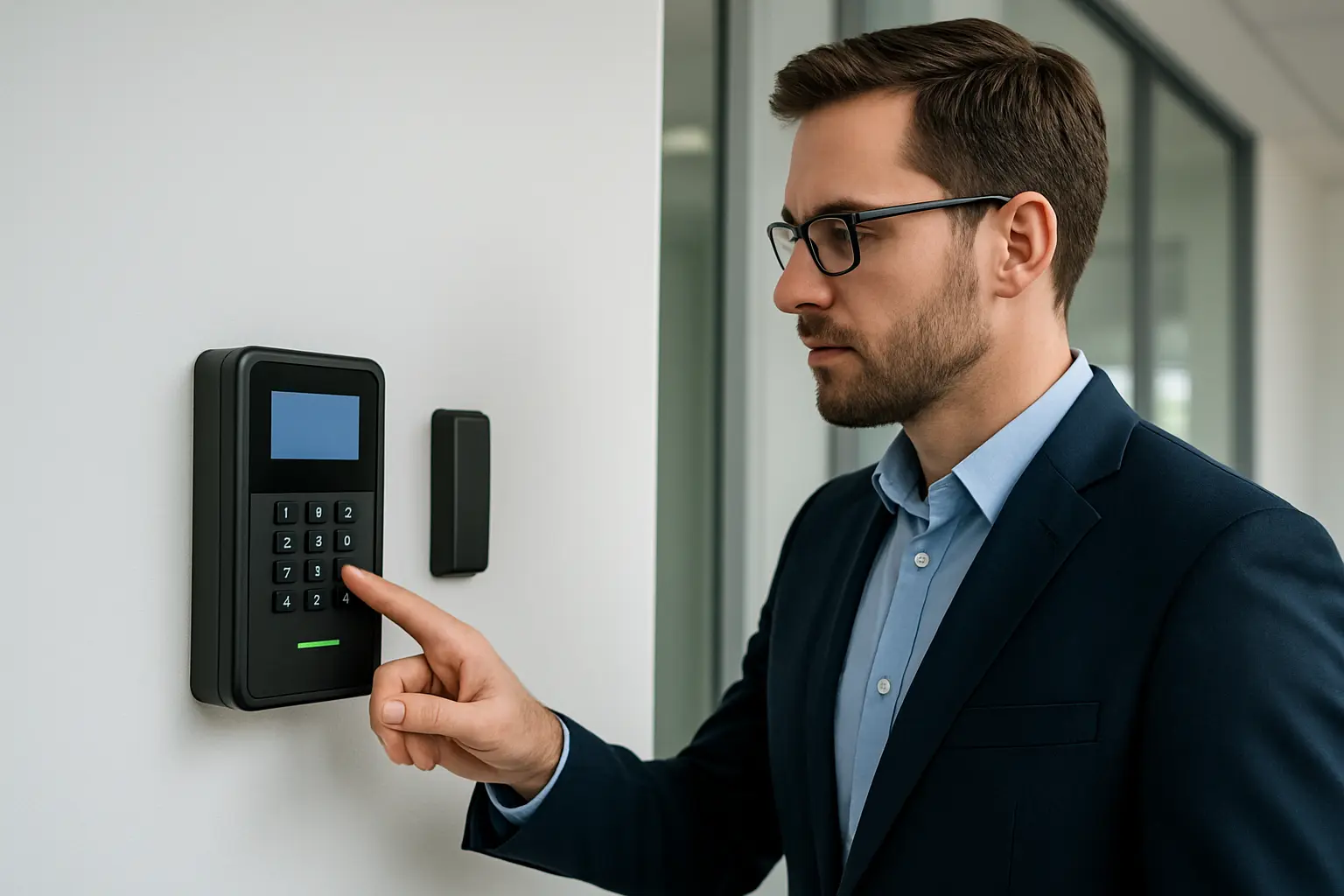
- Physical tampering with readers, controllers or wiring to bypass authentication.
Real-world consequences for commercial properties
Successful exploitation can cause unauthorized access, tampering with audit trails, loss of tenant confidence and expensive downtime. When evaluating risk for your Toronto site, consider the sensitivity of areas controlled by the system, tenant density, and whether access logs are used for investigations or compliance.
Network-level protections
Start by separating security devices from general IT traffic. Recommended steps:
- Use VLANs to isolate access control devices from corporate and guest networks.
- Apply deny-by-default firewall rules between VLANs; allow only required ports between controllers and management servers.
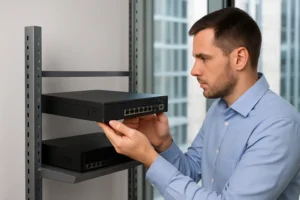
- Implement device-specific ACLs on switches and firewalls to limit which management workstations can reach controllers.
- Use managed firewall services to maintain consistent policy and rapid patching for perimeter devices.
Secure remote access and vendor access best practices
Remote access is a frequent source of breaches. Protect it by:
- Requiring VPN connections or jump boxes for vendor sessions rather than exposing web interfaces to the internet.
- Provisioning scoped, time-limited vendor accounts and logging every session.
- Avoiding shared vendor accounts; each third party should have an auditable identity.
Device hardening checklist
Apply a repeatable checklist whenever installing or auditing access control hardware:
- Change all default passwords and use strong password policies.
- Keep firmware updated on door controllers, readers and management servers.
- Disable unused services and ports (e.g., Telnet, unsecured HTTP).
- Secure management interfaces with SSH or HTTPS and restrict access to management IPs only.
- Disable or secure SNMP; use v3 where possible with strong credentials.
- Ensure controllers use encrypted communication back to the management server if available.
Physical installation and tamper protections
Hardware placement matters. Use secure mounting, tamper switches, and conduit for cabling to reduce the chance of bypass. Place readers and cameras to minimize blind spots and make tampering obvious. Protect wiring runs in common areas or public corridors with conduit and lockable enclosures.
Logging, monitoring and incident detection
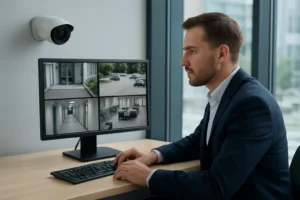
Centralize logs from controllers and readers. Integrate access control events with SIEM or EDR tools where practical so that anomalous patterns—such as off-hours credential use or repeated failed attempts—generate immediate alerts. Regular review of logs supports fast response and forensic investigation.
Maintenance and audit schedule
Establish a cadence for security maintenance:
- Quarterly review of user and vendor accounts; remove unused credentials.
- Firmware and software patching according to vendor advisories and your change windows.
- Annual penetration testing or vulnerability scans of exposed controllers and management interfaces.
- Documented procedures for credential lifecycle management (issuance, expiration, revocation).
Procurement and vendor selection tips
When buying or upgrading systems, ask prospective vendors about supported encryption, firmware update processes and integration with your managed firewall or EDR solutions. Confirm they provide scoped support accounts, session logging, and clear firmware patch policies before deployment.
Cost-effective interim mitigations for small/medium sites
If a full upgrade isn’t immediately possible, apply practical mitigations: segment the access control network, enforce strong passwords, restrict management access to specific IPs via firewall rules, and require VPN access for remote maintenance.
When to call a specialist and next steps for Toronto/GTA businesses
Call a specialist if you find exposed controllers on the internet, unexplained access events, or if you lack internal resources to implement VLANs, managed firewall policies or EDR integration. 360 IT Advanced Security provides network security assessments, managed firewall services and endpoint detection support tailored to Toronto and the GTA, helping bridge IT and physical security gaps.
Service benefits
- Reduced attack surface through segmentation and device hardening.
- Faster detection and response with centralized logging and EDR integration.
- Controlled third-party access and documented vendor sessions.
Securing access control systems is both a physical and cyber effort. Start with the hardening checklist, segment systems on the network, and schedule regular audits. If you need expert help to secure access control systems Toronto-wide, contact 360 IT Advanced Security for an assessment.
Call to action: Contact us to schedule a site assessment and prioritize risks for your Toronto property.