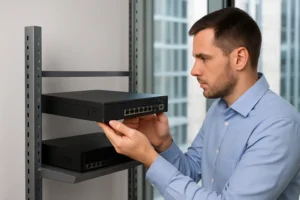
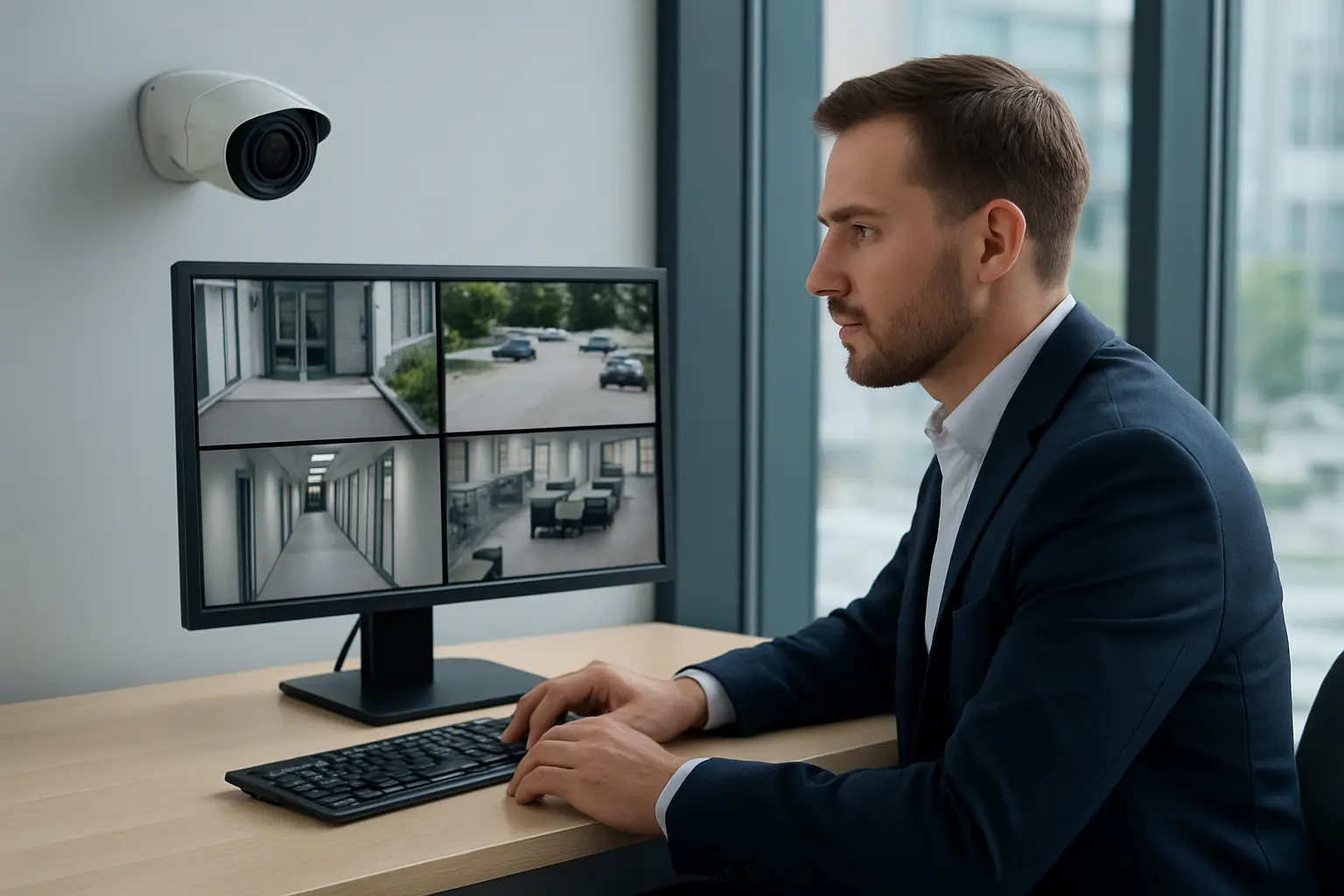
Networked surveillance is essential for Toronto businesses, but poorly secured IP cameras and recorders create a clear cybersecurity risk. This guide explains how to prevent CCTV hacking Toronto facility and IT managers can practically apply today. It focuses on steps you can take in-house and when to call 360 IT Advanced Security for NVR installation, managed firewall, and ongoing network security for surveillance cameras.
How CCTV and IP camera systems get hacked
Understanding common attack vectors helps you prioritize fixes. Typical ways cameras and NVRs are compromised include:
- Default or weak passwords — Many devices ship with known credentials that attackers try first.
- Exposed services and open ports — Unnecessary ports (RTSP, HTTP, SSH) left accessible from the internet invite scanning and exploitation.
- Outdated firmware — Vulnerabilities in camera or recorder firmware are frequently patched by manufacturers; failing to update leaves devices vulnerable.
- Unsecured NVRs — Poor account management, insecure remote access and lack of logging on recorders increases risk.
- UPnP and automatic port forwarding — These features can inadvertently punch holes in your firewall.
- Poor network segmentation — Cameras on the same LAN as business systems allow lateral movement if one device is breached.
Quick checklist: 8 immediate steps to reduce risk
- Change default passwords and enforce strong, unique credentials for all cameras and NVR accounts.
- Enable multi-factor authentication (MFA) where supported on management portals.
- Update camera and NVR firmware as soon as manufacturer patches are available.
- Disable UPnP on routers and cameras; manually control port forwarding only when necessary.
- Close unused ports on your perimeter firewall and avoid exposing camera management interfaces to the internet.
- Limit remote access via VPNs rather than direct connections.
- Enable centralized logging and regular backups of NVR configurations and recordings.
- Document accounts and rotate credentials on a schedule; remove unused user accounts.
Network-level protections for cameras
Keeping surveillance off the main office LAN reduces the blast radius of a breach. Key steps include:
VLANs and subnet segmentation
Place cameras and NVRs on a dedicated VLAN with limited routing to core services. This isolates camera traffic and simplifies access control.
Access control lists and firewall rules
Restrict which IPs and ports can reach the camera VLAN. Block inter-VLAN traffic except for approved monitoring stations and the NVR.
NVR and recorder hardening
Recorders are attractive targets because they store video evidence. Apply these NVR security best practices:
- Use role-based accounts with the minimum privileges required for each user.
- Secure NVR web interfaces with HTTPS and strong certificates where possible.
- Enable automatic retention policies and offsite backups for critical footage.
- Consider storage encryption options supported by your NVR vendor to protect data at rest.
Perimeter defenses: managed firewalls and VPNs for remote access
Managed firewall for CCTV protects camera networks by enforcing rules, performing NAT management correctly, and logging suspicious activity. For remote access, use site-to-site or client VPNs rather than exposing camera ports directly. Common pitfalls include relying on cloud portals without network-level restrictions and enabling broad access rules that undermine segmentation.
Maintenance practices
Regular patching and monitoring turn sporadic fixes into sustained protection:
- Establish a firmware update schedule and test patches on a small set of devices before mass deployment.
- Monitor camera and NVR logs for unusual authentication attempts or configuration changes.
- Deploy simple intrusion detection focused on the camera VLAN to surface scanning and brute-force attempts.
Operational controls and incident response
Policies and people reduce risk as much as technology. Maintain an access matrix for camera accounts, train staff on secure remote access, and keep a short incident response plan that defines roles, containment steps, and who to call for a forensic review.
When to hire a professional
Consider a security audit if you notice repeated unauthorized login attempts, unexplained camera behavior, missing footage, or if your deployment lacks network segmentation and centralized logging. 360 IT Advanced Security provides CCTV camera hacking protection GTA businesses can rely on: secure NVR installation and configuration, managed firewall deployment, and ongoing monitoring tailored to surveillance networks.
Local considerations for Toronto and the GTA
Toronto businesses should align CCTV security with insurance and compliance expectations and coordinate changes with on-site security teams and property managers. Our technicians work with facility managers and IT teams to implement network security for surveillance cameras without disrupting operations.
Why choose 360 IT Advanced Security
We focus on securing surveillance systems for Toronto-area businesses through careful NVR security best practices Toronto clients need, managed firewall for CCTV deployments, and professional installation of commercial CCTV systems. Our approach combines practical on-site hardening with ongoing network security to reduce risk and simplify management.
Conclusion: Preventing CCTV hacking is an achievable, ongoing effort that combines device hardening, network segmentation, managed perimeter defenses, and disciplined maintenance. For a tailored CCTV cybersecurity checklist Toronto managers can use on-site, contact us to schedule a security audit or get a quote for secure NVR installation and managed firewall services.