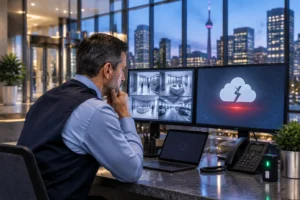
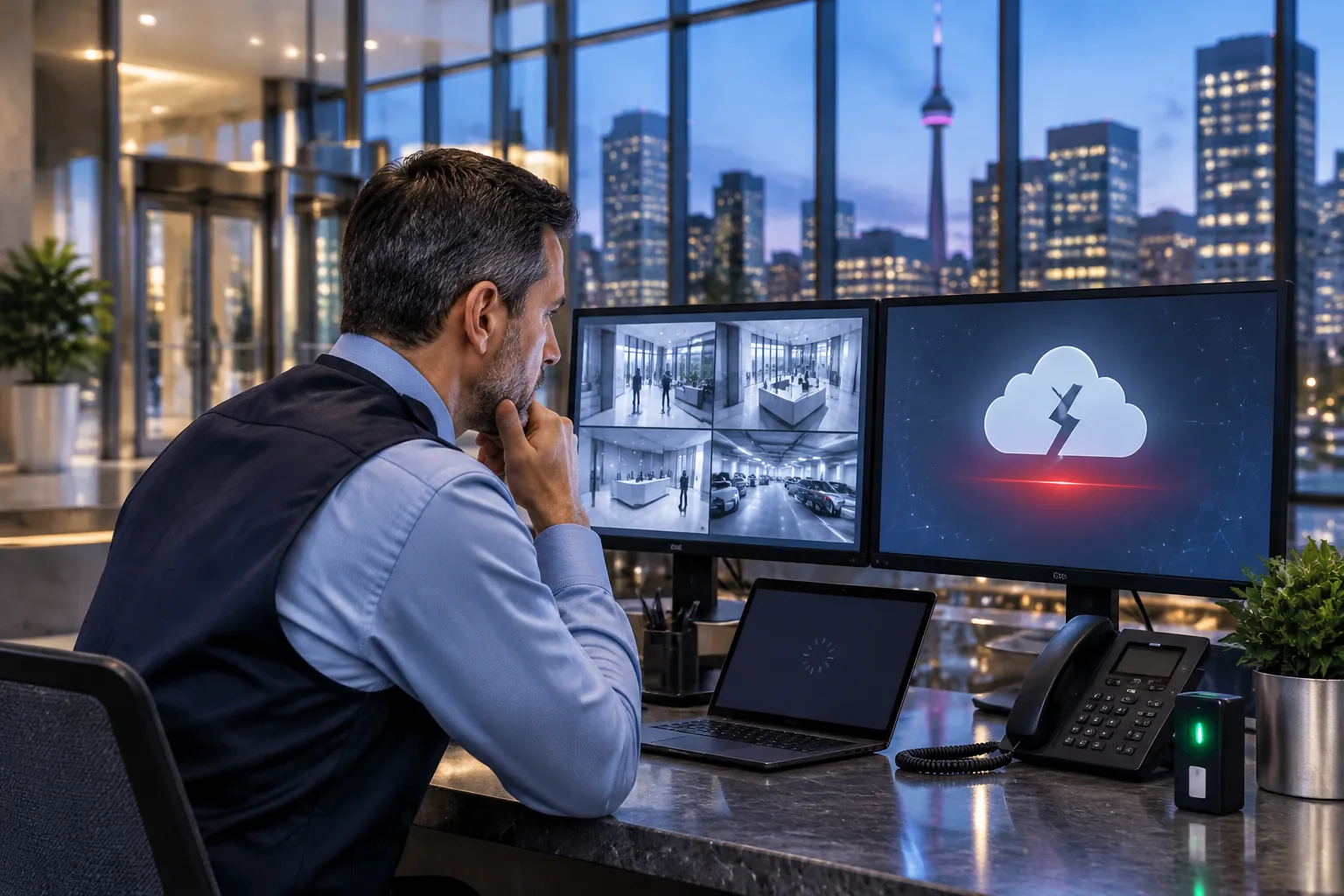
On November 12, 2026, a widespread Microsoft 365 outage left Outlook and Teams unavailable for hours across Canada (Global News). For many businesses it was only an email problem. But the same afternoon raised a question every property manager and business owner should ask: what else in your building depends on the cloud, and what happens when it goes down?
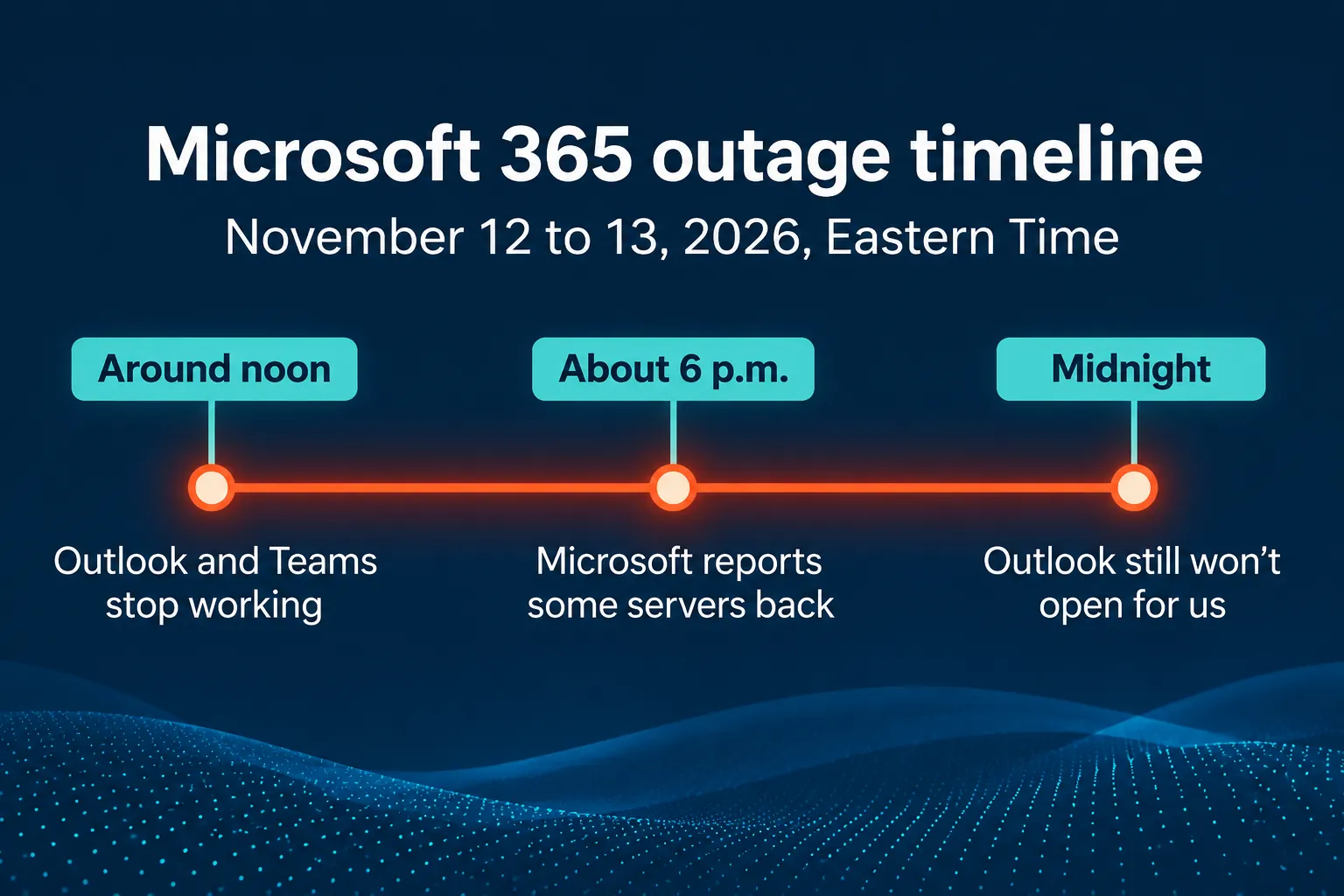
Your security system may depend on more than you think
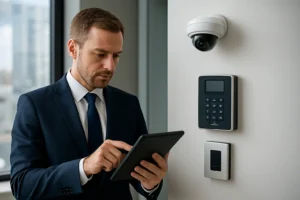
Modern access control, video surveillance and visitor management systems are often managed online. Alarm and motion alerts are sent by email, door schedules are changed from a web portal, and staff badges may be tied to company accounts. That is convenient on a normal day. During an outage, it can mean missed alerts, a front desk that cannot register visitors, or a manager who cannot change who gets in.
5 questions to ask about your access control and cameras
- Do doors keep working offline? Controllers should keep enforcing access rules and logging events when the internet or a cloud service is down.
- Do recordings continue? Cameras should keep recording to a local recorder (NVR) even when remote viewing is unavailable.
- How do alerts reach you? If every alarm goes only to email, a second path such as SMS or a phone call is worth adding.
- Who can manage the system in an emergency? Make sure at least one administrator can sign in locally, not only through a cloud account.
- Is the system itself protected? Cameras and door controllers are network devices. Default passwords and outdated firmware are an open door for attackers.
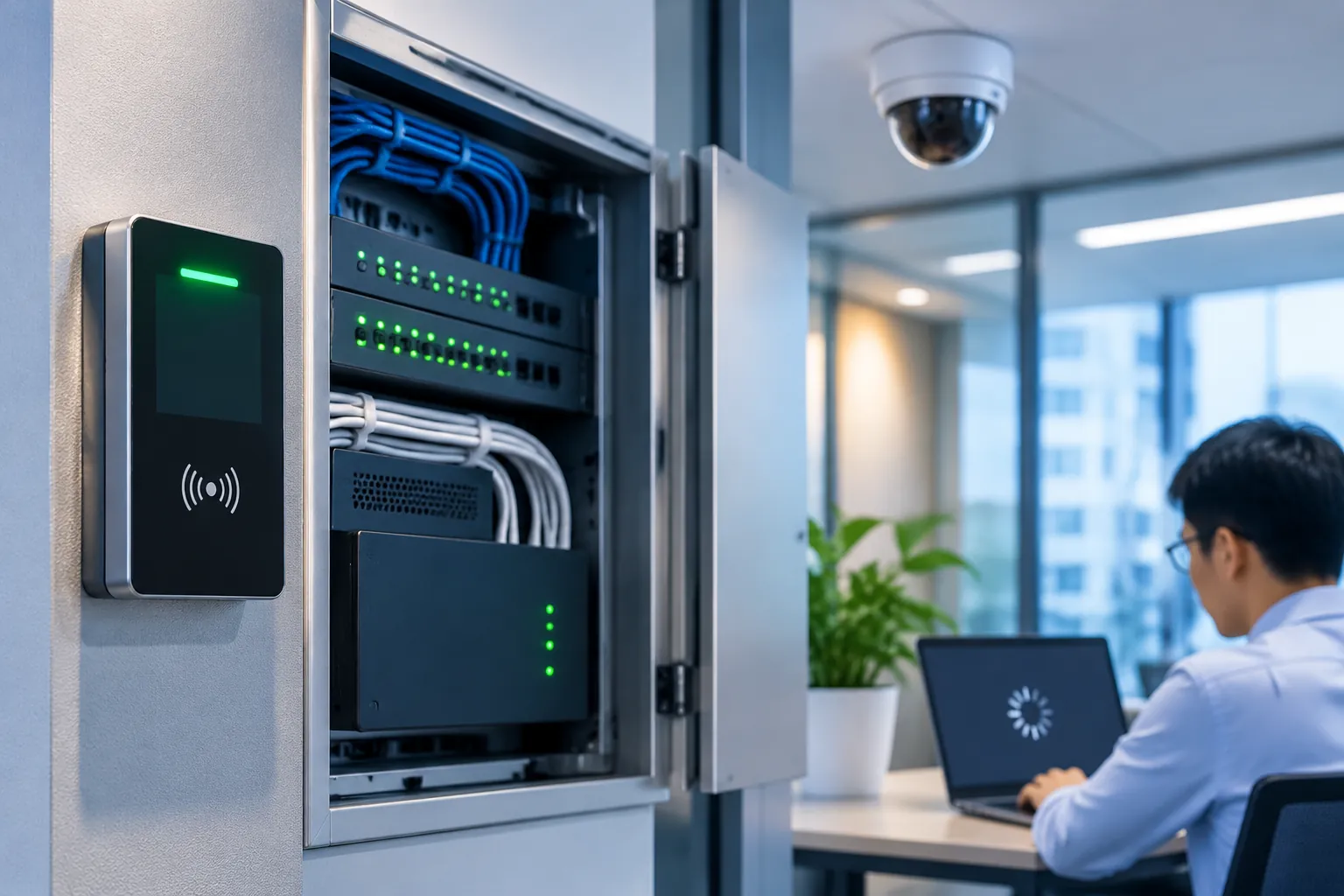
Physical security and IT security go together
An outage is a reminder, but the bigger risk is an attack. A compromised account or an unprotected recorder can expose your building as easily as your inbox. That is why we work with our IT partner BA Consulting, which provides cyber security services in Toronto, managed IT services and Microsoft 365 backup and data recovery. For the full story of the outage, what Outlook users reported and how long Microsoft 365 keeps deleted data, read BA Consulting’s article: Microsoft 365 outage: when Outlook won’t open.
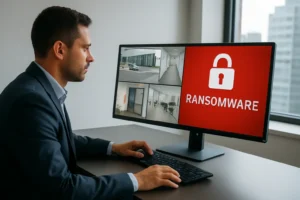
If you are not sure how your system would behave during an outage, start with a security cameras audit or learn more about our commercial access control solutions. Read also: how Toronto businesses can prevent ransomware attacks on CCTV and NVR systems.
How to stop phishing emails before they open the door to attackers
Phishing is still one of the most common ways attackers get into a business. Outages make it worse: fake “Microsoft 365 is back, sign in again” messages and fake password-reset emails take advantage of the confusion. One click can hand over an account that also controls email alerts, visitor management or remote access to your cameras.
The cybersecurity processes every business should have
- Multi-factor authentication on every account, especially the administrator accounts for email, access control and video systems.
- Email protection that checks links and attachments before they reach staff, and SPF, DKIM and DMARC set up on your domain so others cannot easily send email in your name.
- A clear reporting path for suspicious emails, and a rule that no one changes payments, passwords or door access based on an email alone.
- Least privilege: each person gets only the access they need, and accounts and badges of former employees are removed the same day.
- Updates for computers, phones, cameras, recorders and door controllers, on a schedule.
- Tested backups and an incident plan that says who does what and who to call.
Phishing tests and employee training
Technology stops many attacks, but people are the last line of defence. Regular phishing simulations send safe, realistic test emails to your staff, show who would have clicked or entered a password, and turn each mistake into a short lesson instead of real damage. Combined with short training sessions, they teach employees to check the sender, look at a link before clicking, and report a suspicious email instead of just deleting it. Results are tracked over time, so you can see where more training is needed.
Our IT partner BA Consulting runs security awareness training with phishing simulations and managed cybersecurity for businesses in Toronto and the GTA. Together, we protect both the front door of your building and the front door of your inbox.
Frequently asked questions
Will my access control system stop working if the internet goes down?
It depends on the system. Many controllers store access rules locally and keep doors working offline, while some cloud-managed features, such as remote changes and mobile credentials, may pause. Ask your installer to test it.
Do security cameras keep recording during a cloud outage?
Cameras connected to a local recorder usually keep recording. Remote viewing, cloud storage and email alerts may be unavailable until the service returns.
Can hackers get into security cameras?
Yes, if they are exposed to the internet with default passwords or old firmware. Changing passwords, updating firmware and separating cameras from the office network reduce that risk.
What is a phishing simulation?
A phishing simulation is a safe test email that looks like a real attack. It shows which employees would click a link or enter a password, and gives them immediate training instead of real damage. Running simulations regularly helps staff recognize real phishing emails.
Get a free quote to review how your access control, cameras and alerts would hold up during the next outage.
Microsoft 365, Outlook and Teams are trademarks of Microsoft Corporation. 360 IT Advanced Security is not affiliated with or endorsed by Microsoft. Outage details are based on public reports at the time of writing. This article is general information, not advice for a specific system.